
Say the name "Chromium" out loud in Linux circles, and you will soon see what a mob looks like. Many people don't like how much of the web rests on one engine led by Google, and they prefer to keep it away from their systems.
Now we have Domicile, a new Rust-based Wayland compositor that uses a patched build of Chromium to draw the entire desktop as a web page.
Apps still run natively, and each Wayland window goes straight into Chromium's rendering system and shows up inside that page as an element. A window and a website can then sit side by side and be arranged the same way.
Domicile: Overview ⭐
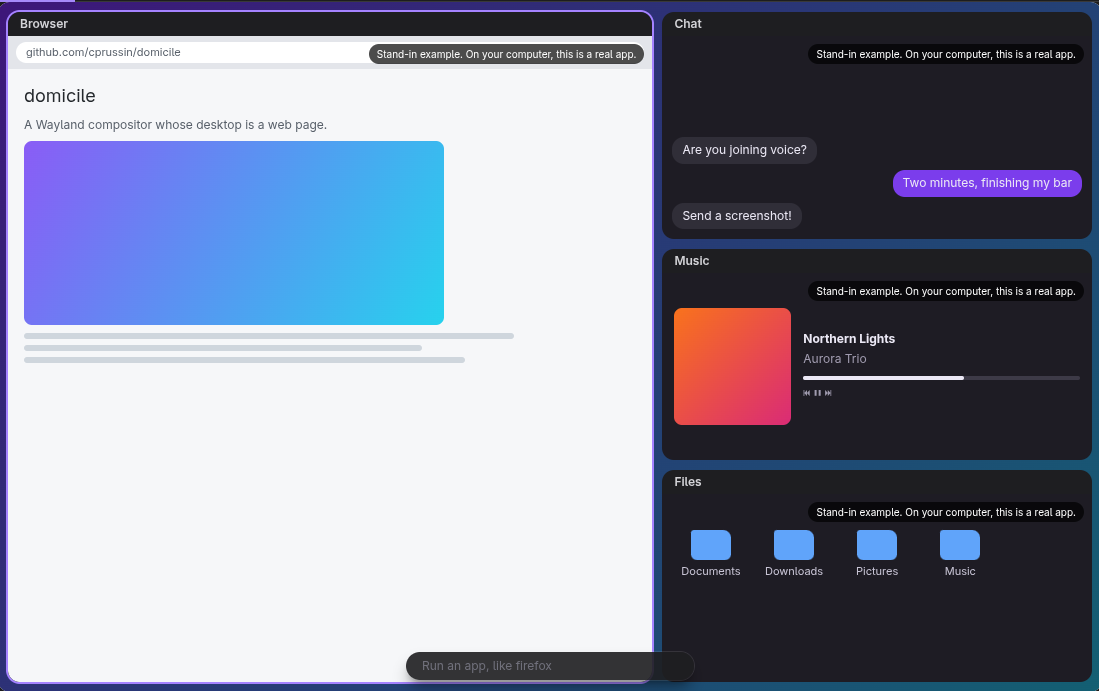
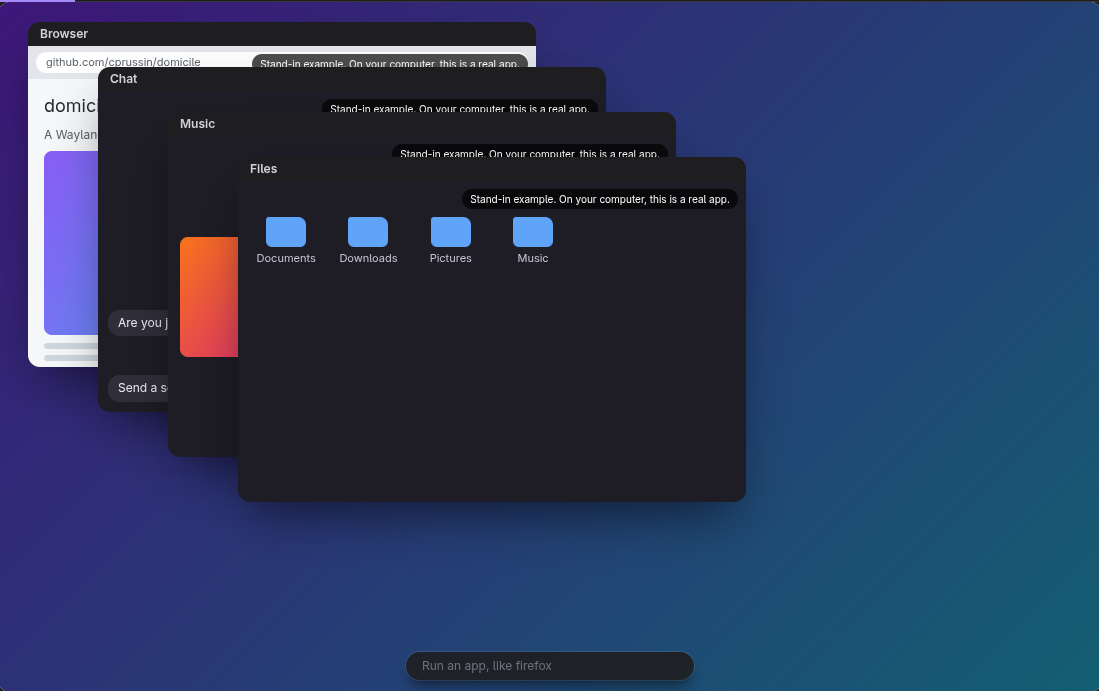
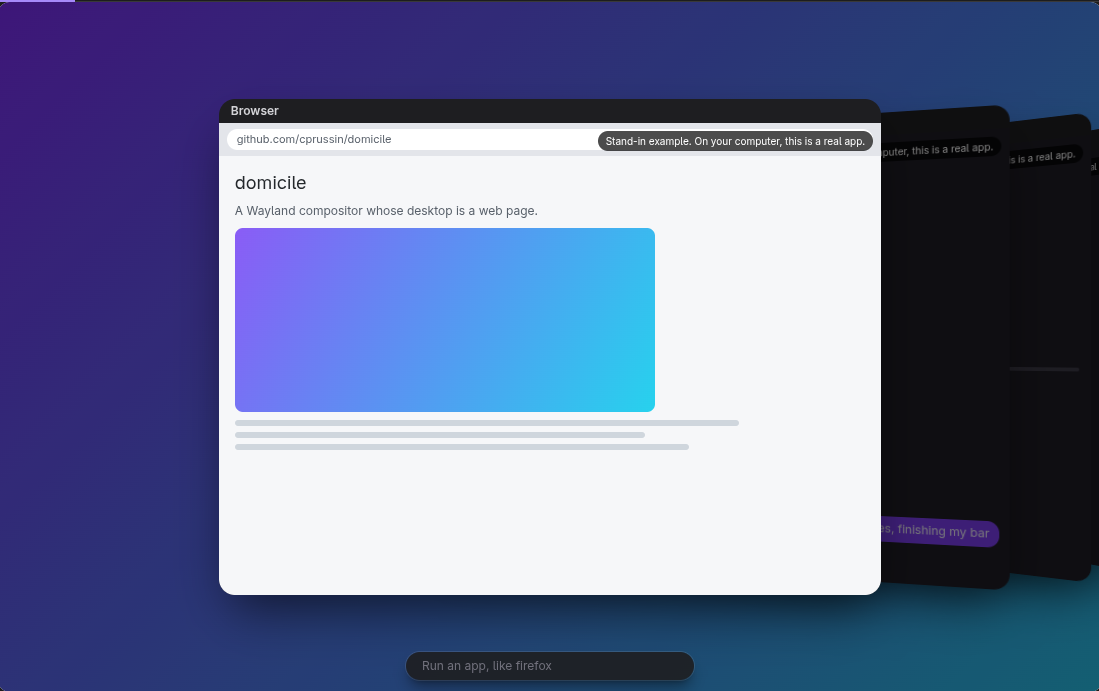
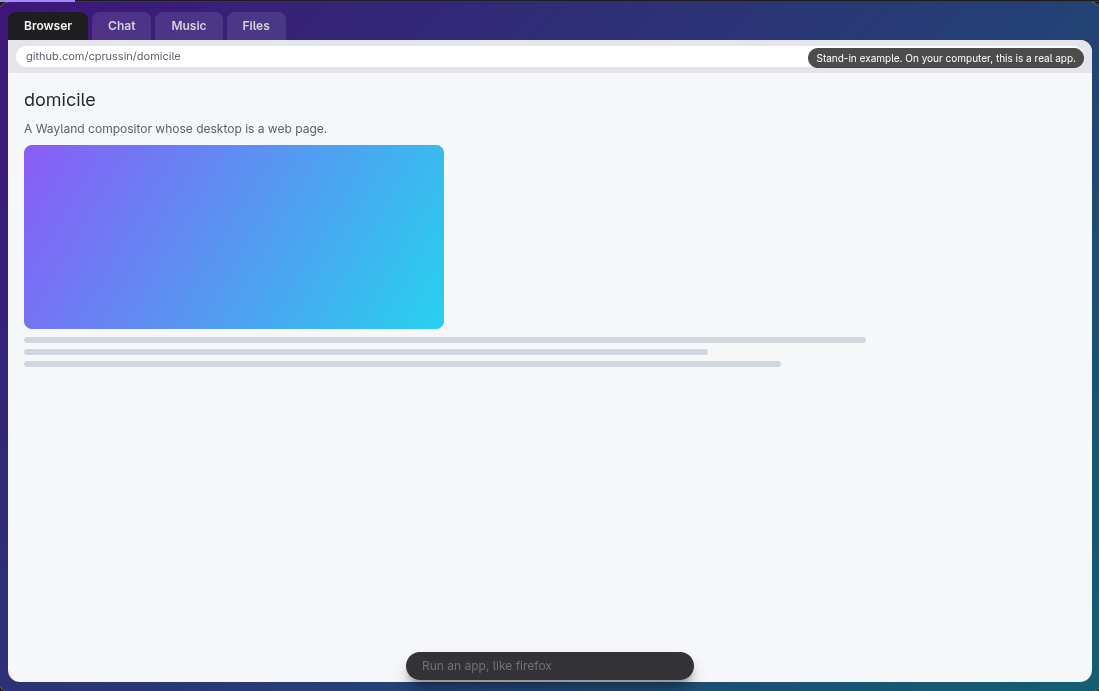
Some Domicile mockups as shown on the homepage.
Domicile is not a drop-in desktop like GNOME or KDE Plasma. It leaves the bar, the window layout, and the look to a shell, and that shell itself is a web page you have to write yourself.
Native app windows and websites both sit on that page, and because CSS decides where each one goes, layouts like tiling or floating take only a few lines of styling.
You can even swap the shell without closing a single window because loading a new one resets only the state held in the shell's own page. A single page can span every monitor, and shells are built from packages that anyone can publish on npm, whether it is a whole desktop, a bar, or a launcher.
The compositor still handles the lock screen, tray icons, notifications, and screen sharing, while the shell decides how they look. The built-in browser runs Manifest V3 Chrome extensions, but some of them behave differently than they do in Chrome.
Apps need Wayland support to run. Electron, SDL, and Qt apps start in Wayland mode, but X11-only ones will not run. Xwayland, the compatibility layer that lets X11 apps work on Wayland desktops, is something Domicile does not include.
The project is provided under the MIT license, and the Chromium files it modifies stick to Chromium's licenses. One more thing, and this could be a dealbreaker for some of you, the project is AI-assisted.
Manganese, the element?
Not quite. Manganese is the ready-made shell that comes with Domicile, and it works as a complete tiling desktop out of the box. Its keybindings follow Sway's on the Super key, and you get ten workspaces along with tabs, stacks, splits, floating windows, and a scratchpad.
Websites open as windows too, sitting next to native apps in the same layout, while extensions from the Chrome Web Store show up as buttons in the top bar.
It comes with a Settings app, clipboard history, launcher, screenshots tool, notifications, and a lock screen. Since every part of it is its own package, you can add a new item to the bar or replace the launcher while the rest stays as it is.
Getting started
Packages exist for Fedora, openSUSE, Debian, Ubuntu, and Arch Linux, plus an AUR package for Arch users. For NixOS, or Nix on any distro, you can use the project's flake.
A monolithic package carries Manganese, the login session, the domicile command, and the React packages that shells build against. After installing, you point a config file at the shell you want, then log out and pick "Domicile" on the login screen.

from It's FOSS https://ift.tt/EhLMJgB
via IFTTT

Tidak ada komentar:
Posting Komentar