
"If you are not paying for the product, you are the product."
That's often true, and it's doubly true for VPNs. A VPN service could see all your traffic, so a shady free VPN is worse than no VPN at all.
But you may still find yourself in a situation where you need one. And let's be honest, if it's casual use, paying for a VPN doesn't make a lot of sense, because VPN prices are only reasonable on yearly or longer plans. You don't want to pay for two years upfront just to open one blocked website.
The good news is that a few well-known privacy companies offer usable free plans. They make money from their paid users, not from your data (most of them have independent audits) and the free plan is often a way to generate lead.
You can take advantage of that and use it for your occasional VPN requirements.
In this article, I'll list free VPNs that you can use on Linux. I have split them into two groups: VPNs built into web browsers, and VPN services with a proper Linux client that protects your entire system.
I have stuck to reputable services only, and I'm not including random "free VPN" browser extensions, because most of them are spammy at best.
When and why do you need a free VPN?
The most common reason is geo-restriction. Some website owners block visitors from certain countries, and a VPN lets you appear to be somewhere else. This is perhaps the most common such screen I have seen with sites that geo-block its visitors.

Sometimes it's not the website but your government that blocks a site, or even a specific X/Twitter account.
In more "restrictive regions", a VPN may be the only way to get around censorship and reach parts of the open web. It's also handy when you're traveling and need a work or university portal that only works from your home region.
Then there's the case of public Wi-Fi. At a hotel, airport or café, a VPN adds an extra layer of protection between you and whoever else is on that network. At least it gives me peace of mind.
If you need a VPN every day, or for streaming, you should instead go for a reliable but paid VPN service.
What to look for in a free VPN
Free VPNs come with limitations. That's expected. What matters is whether those limitations matter to you.
First, check whether you need an account. Most free VPNs ask for one, some only want an email, and a few need nothing at all.
Next, check whether it's browser-only or system-wide. A browser VPN only protects traffic from that browser, while a system-wide VPN covers every application on your Linux system. For system-wide VPNs, also check whether there's a native Linux client and whether it has a GUI or is CLI only.
Then look at the limits. Some (rare) free plans have unlimited data, others give you anywhere from 2 GB to 50 GB a month. Free plans also restrict you to a handful of server locations, and some don't even let you pick one.
If you care about encryption, look for WireGuard or OpenVPN support. If your goal is watching content from another country, check streaming support first, because most free plans don't offer it.
Finally, check the no-logs policy. Every VPN claims one, at least on paper. A no-logs claim backed by an independent audit is better than one without.
With that out of the way, let's see the options of free VPNs for Linux users.
Browser-based free VPNs
These are VPNs built right into the web browser. You don't install anything extra. Click a button and your browsing goes through the VPN.
They are good enough for opening geo-blocked websites or browsing on public Wi-Fi. Just remember that they only cover the browser. Your terminal, package manager, torrent client (if you use it) and every other app still use your normal connection.
Strictly speaking, some of these work more like an encrypted proxy than a full VPN. For casual browsing, the difference won't matter much.
Vivaldi (with Proton VPN)
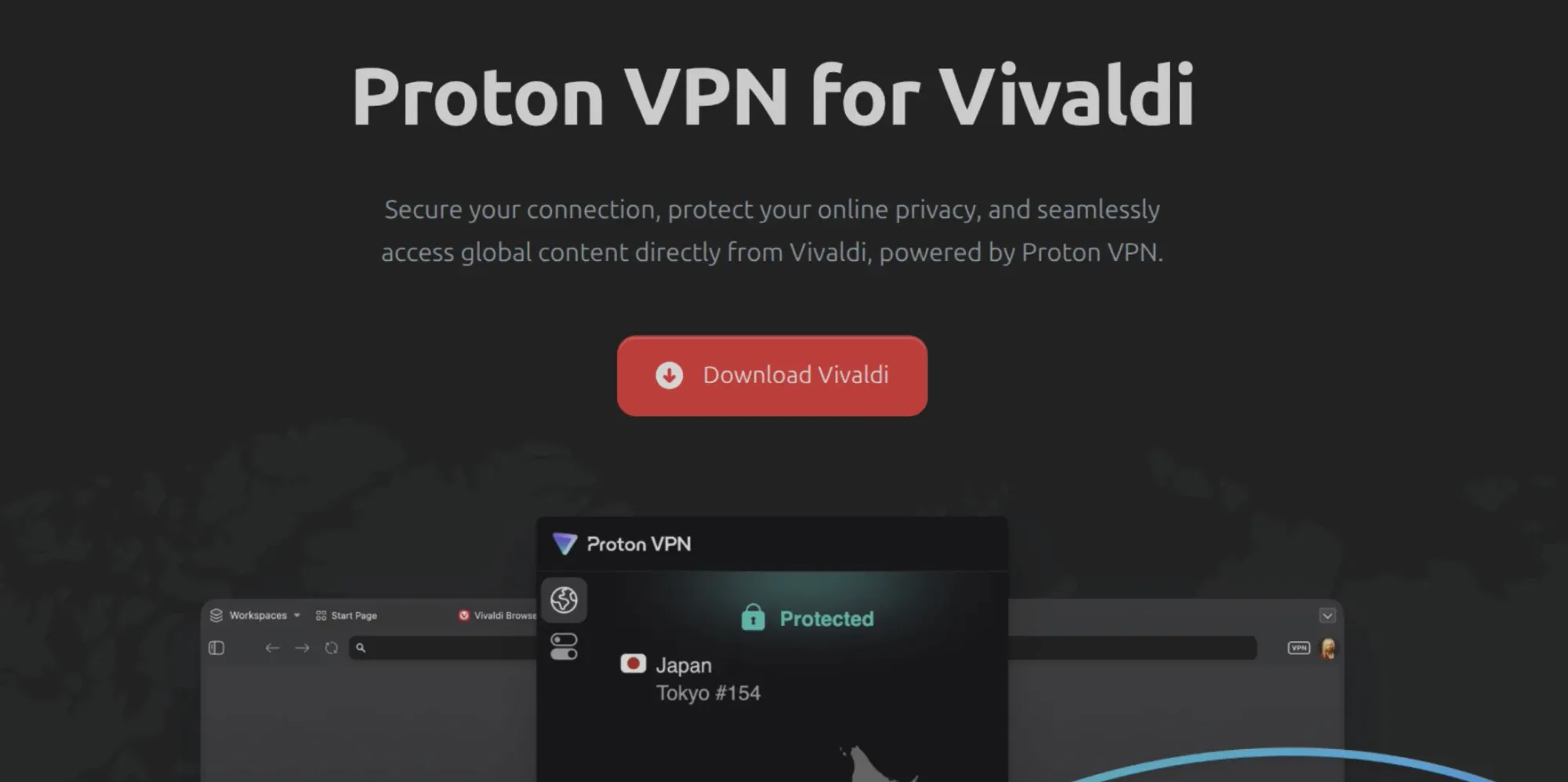
Vivaldi partnered with Proton in 2025 and integrated the free tier of Proton VPN directly into its web browser. It's available on Linux, Windows and macOS.
What makes it stand out is that it's free with no data limits. You get the same thing Proton gives its free users: no ads, a strict no-logs policy and medium speeds. Your server options are limited to Proton's free locations.
You need to sign in with a Vivaldi account or a Proton account. Vivaldi says the account requirement is there to prevent abuse of the free service.
If you are already a Vivaldi user, this is the easiest option on the list. If you are not, it's a decent reason to give Vivaldi a try.
Firefox built-in VPN

Mozilla has had a paid VPN for years. With Firefox 149, it added a free built-in VPN to the browser itself.
You get 50 GB of VPN browsing per month, which is generous for a browser VPN. Once you hit the limit, the VPN pauses until the next month. You can also pick the location you want to browse from, and you need a Mozilla account to use it.
The problem is availability. As of Mozilla's July 2026 update, it covers 29 countries, including Canada, Japan, Mexico, Australia and much of Europe. If you don't see the VPN button in Firefox, it hasn't reached your region yet.
If you want Mozilla's protection for your entire system, there's the paid Mozilla VPN. It costs $9.99 per month, or $4.99 per month on the yearly plan, and covers up to 5 devices with 500 servers in 30+ countries.
Opera
Opera was the first major browser to bake in a free VPN, way back in 2016. It's still there in the desktop version, Linux included.
It is unlimited and doesn't need an account. Just enable it in the settings and you're done. That's the lowest-friction option on this list.
The limitation is location choice. You can't pick a country, only a region: Americas, Europe or Asia (or let Opera pick the "optimal" location). That's fine for public Wi-Fi but hit or miss for geo-blocked websites, and technically it's a browser proxy rather than a full VPN.
Also, many people would be weary of the fact that Opera was sold to a Chinese consortium earlier. Personally, I prefer privacy services from Europe. That's not a guarantee but just a perception that European companies have better privacy laws.
System-wide VPNs with Linux clients
These are proper VPN services with native Linux apps. Once connected, everything on your system goes through the VPN: browsers, terminal, apps, updates all of it.
Proton VPN
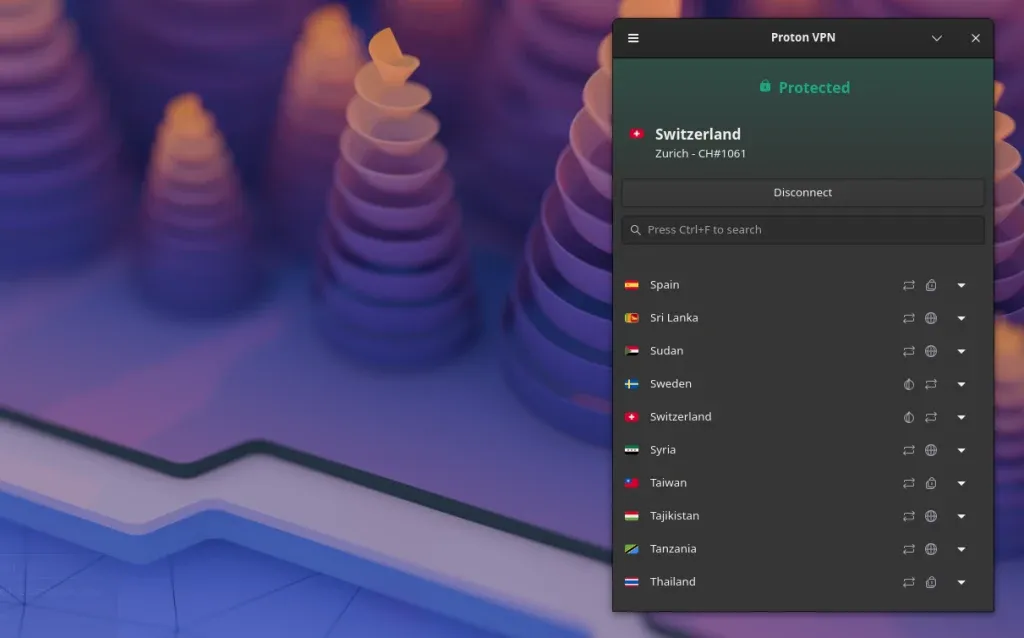
Proton VPN comes from Proton, the Swiss company behind Proton Mail. Its free plan is the best one I know of, and it's my default recommendation for anyone who asks.
The free plan has no data limit and no ads. Its no-logs policy has been independently audited, and Proton's apps are open source too.
You can use it on 1 device at a time, with servers in up to 10 countries: the Netherlands, Japan, Romania, Poland, Norway, Switzerland, Singapore, Mexico, Canada and the US. Speeds are medium, since paid users get priority.
The free tier limitation is that you can't pick a country. Proton assigns you a free server, and you can reconnect to get a different one. Streaming and P2P/torrenting are not supported on the free plan either.
On Linux, Proton has both official CLI and GUI app, which is rare among VPN providers.
The paid VPN Plus plan unlocks 20,000+ servers in 140+ countries, up to 10 devices, faster speeds, streaming support, P2P with port forwarding, the NetShield ad-blocker and Secure Core multi-hop servers.
Windscribe
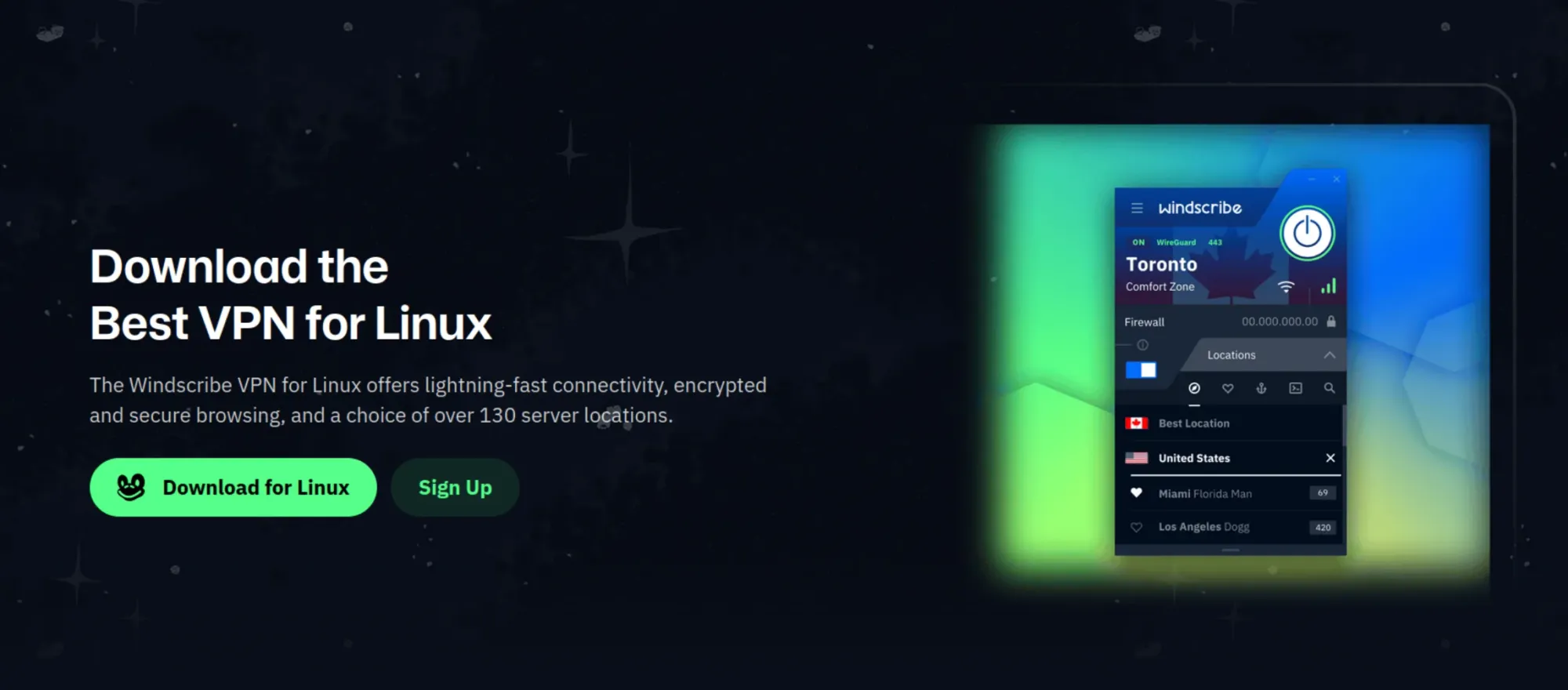
Windscribe is a Canadian VPN company with one of the more generous capped free plans.
You get 10 GB of data per month if you confirm your email address. Without an email, you get 2 GB, which is good enough for emergency use. Free users get servers in 10 countries, and unlike Proton, you choose the location yourself.
There's also no limit on the number of devices, even on the free plan. Windscribe's desktop apps are open source, and on Linux you get both a GUI app and a CLI.
Most features, including the firewall (their name for the kill switch) and split tunneling, are available to free users too. Its no-logs claim has been audited, and has also held up in court.
If 10 GB isn't enough but you don't want a full subscription, Windscribe has an interesting "Build-A-Plan" option. You pay $1 per month per location you need (minimum $3), and each location adds 10 GB to your monthly allowance. Unlimited data is a $1 add-on, while the full Pro plan costs $9 per month or $69 per year.
hide.me

hide.me is a Malaysia-based VPN with a free plan that doesn't require a sign-up or payment details.
The free plan used to cap you at 10 GB a month. Now there's no data limit at all, but speeds are throttled. Tom's Guide measured free speeds at around 1 Mbps, which is enough for reading but painful for anything else.
You get 1 simultaneous connection, and hide.me advertises 8 free locations, mostly in Europe plus the US. Streaming isn't supported on the free plan.
For Linux, hide.me has an official command-line client. It's built on WireGuard, written in Go and open source under GPLv2, and it works with the free plan. You can also set it up manually through NetworkManager.
The paid plan unlocks 91 locations, 10 simultaneous connections, full speed, a fixed IP address option, dynamic port forwarding and streaming support.
AdGuard VPN

You probably know AdGuard for its ad blocker and AdGuard DNS. The company has been building privacy tools for well over a decade, and AdGuard VPN is part of that family.
On Linux, AdGuard VPN comes as an official command-line client for Debian, Ubuntu, Linux Mint and RPM-based distributions. There's no GUI here.
You need an AdGuard account, which you can create from the terminal itself. The free plan gives you 3 GB of traffic per month at speeds capped to 20 Mbps, and 2 devices at a time.
The paid plan removes the data cap and the speed limit, opens up 75+ locations and lets you connect up to 10 devices at the same time.
RiseupVPN
Riseup is a volunteer-run collective that has been providing secure communication tools to activists and privacy-minded people since 1999. Its email, chat and other services are built around anonymity and resisting surveillance, and RiseupVPN is one of those services.
RiseupVPN is different from everything else on this list because there is no paid plan. Everything is free. There's no account to create, no configuration, and Riseup says it doesn't log your IP address.
The whole thing runs on donations. Riseup estimates the VPN costs about $60 per person per year to run and asks regular users to donate at least that much if they can.
On Linux, it's available as a snap and as a package for Debian and Ubuntu. Arch users can find it in the AUR.
Note that this is a donation-funded service with a handful of gateways in North America and Europe. Riseup doesn't publish a list, but users report locations like Seattle, Montreal, New York, Paris and Amsterdam.
Don't expect commercial VPN speeds, because it's built for privacy and getting around censorship, not for unblocking streaming catalogs.
Lantern

Lantern started as a censorship circumvention tool, and that's still its focus. It's developed by Brave New Software, a US nonprofit with no relation to Brave Browser. The code is open source, and it has been around since 2013.
The free version doesn't need an account or payment details. Just download and connect. The limit is data, of course. Free users get about 250 MB per day, resetting every 24 hours. Which is fine for reading blocked news sites or checking a social media account, but not much else.
Lantern doesn't disconnect you when you hit the cap. Instead, downloads slow to about 128 Kbps until the next reset, which is mostly useless these days. Free users in Iran, Russia and Belarus get unlimited data, which tells you who the service is really built for.
If you want more, Lantern Pro gives you unlimited data, up to 5 devices, server location selection, premium servers, built-in ad blocking and the option to host your own private Lantern server.
Want streaming? Get a paid plan
If you want a VPN to watch Netflix or Prime Video from another country, or to watch your home country's catalog or live sport event while living abroad, a free plan won't work well. Most free plans either don't support streaming or have data caps that run out after a few hours of HD video.
A paid plan is better for this. Even then, streaming services are smart. They actively block VPN IP addresses, so expect things to break from time to time. Proton is a reliable VPN or you can go for Unlocator Smart DNS.
Comparing the free VPN options
| VPN | Type | Account needed | Free data | Location choice | Linux support |
|---|---|---|---|---|---|
| Vivaldi + Proton | Browser | Yes | Unlimited | Limited to Proton free servers | Yes (built into browser) |
| Firefox built-in VPN | Browser | Yes (Mozilla) | 50 GB/month | Yes | Yes (built into browser) |
| Opera | Browser | No | Unlimited | Regions only | Yes |
| Proton VPN | System-wide | Yes | Unlimited | No (auto-assigned) | GUI + CLI |
| Windscribe | System-wide | Optional (2 GB without email, 10 GB with) | 2 to 10 GB/month | Yes, 10 countries | GUI + CLI |
| hide.me | System-wide | No | Unlimited (throttled) | Yes, 8 locations | CLI |
| AdGuard VPN | System-wide | Yes | 3 GB/month | Yes, limited locations | CLI |
| RiseupVPN | System-wide | No | Unlimited (donation-funded) | Yes, a few gateways | GUI (tray app) |
| Lantern | System-wide | No | About 244 MB/day | No (Pro only) | DEB/RPM |
Which one should you use?
If you just want to open a blocked website or feel safer on hotel Wi-Fi, a browser VPN is enough.
If you want the whole system protected, Proton VPN's free plan is the one I'd start with, and Windscribe is a good backup when you need to pick a specific country.
If you're dealing with real censorship, keep RiseupVPN or Lantern installed as a fallback. Although I would suggest going for a more robust, paid VPN like Mullvad.
And if all you care about is encrypting traffic on public Wi-Fi, there's also Cloudflare WARP. It's free with no data cap, needs no account, and has an official Linux client (warp-cli). But you can't choose a location, so it won't help with geo-restrictions at all.
I hope this list helps you select a free VPN service. If you have questions or suggestions, please leave a comment.

from It's FOSS https://ift.tt/DfzHavX
via IFTTT
