Anyone who wants a break from Linux is usually told to try another distro. That advice, while good, leaves out those who want a break from Linux itself.
Every system listed below is open source and not powered by Linux. Each has an ISO or installer you can boot today, and many of the picks can even run Linux applications.
Think of it as a list of operating systems that are friends with Tux🐧 but not friendly enough to call him inside for a cup of tea.
1. Vinix
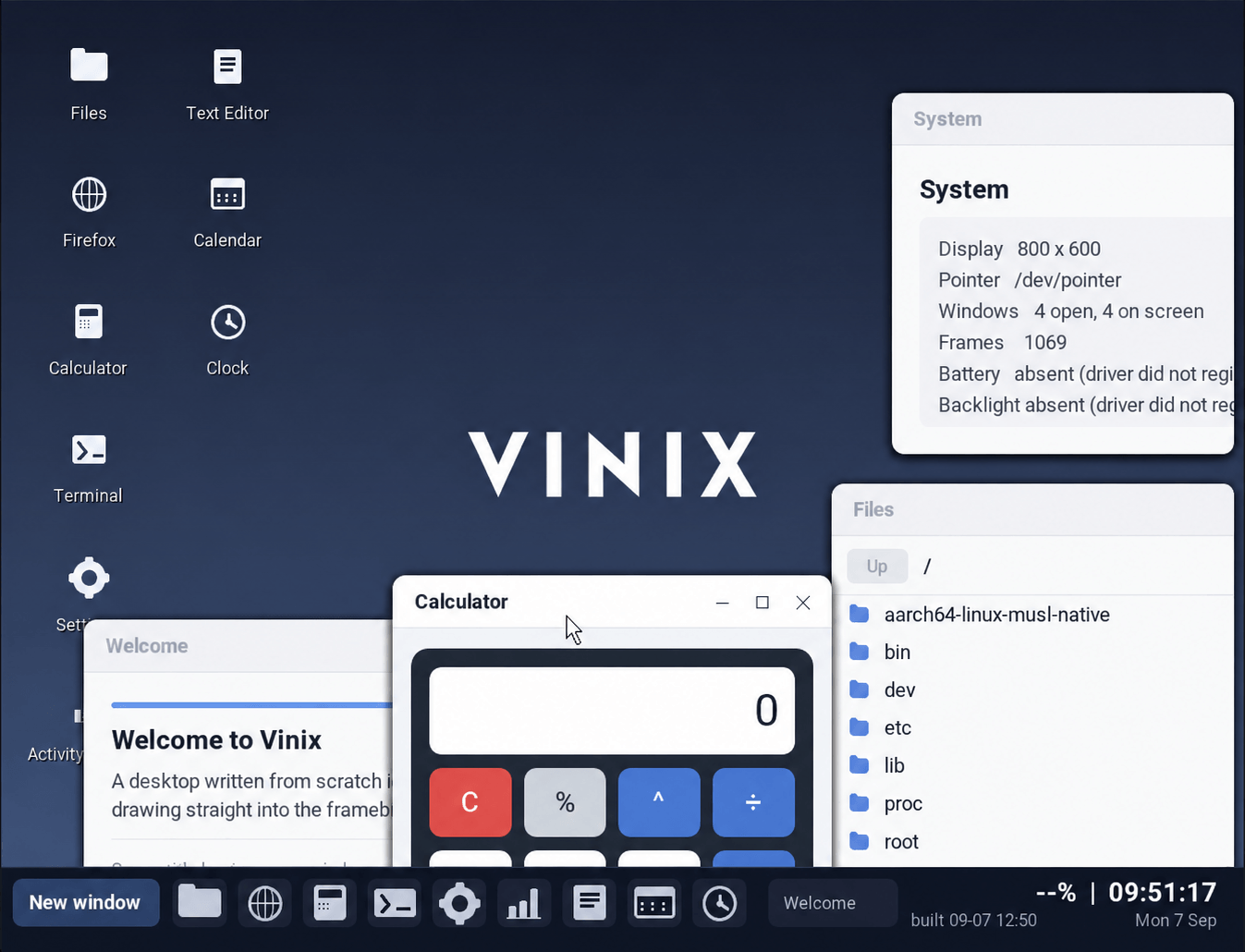
If you own an Apple Silicon MacBook and want a system that is neither macOS nor a Linux distribution, Vinix is aimed at you. Only the original M1 is supported today, and Alexander Medvednikov, the author of V, maintains the project.
The kernel is monolithic and written mostly in V, while part of it is C and assembly. Because memory is managed by hand, no garbage collector can interrupt a system call, and the security model borrows certain concepts from OpenBSD.
On ARM64, it runs Alpine Linux binaries natively, and pkg installs packages from Alpine's aarch64 repositories. ISOs for both x86-64 and ARM64 are available for virtual machine use.
2. Asterina NixOS
Trying Asterinas NixOS means setting up a NixOS system and finding a Rust kernel where Linux should be. Asterinas is that kernel, and because it implements Linux's system call interface, apps for the Linux platform run on it.
The distribution is configured through Nix like regular NixOS, and unsafe Rust is allowed only inside a small framework called OSTD, while the rest of the kernel, along with its drivers, is safe Rust.
x86_64 is the fully supported platform, and ARM64 and RISC-V sit one tier below it. The project says the distro is not ready for production use and aims the installer ISO on GitHub at early adopters and enthusiasts.
3. FreeBSD
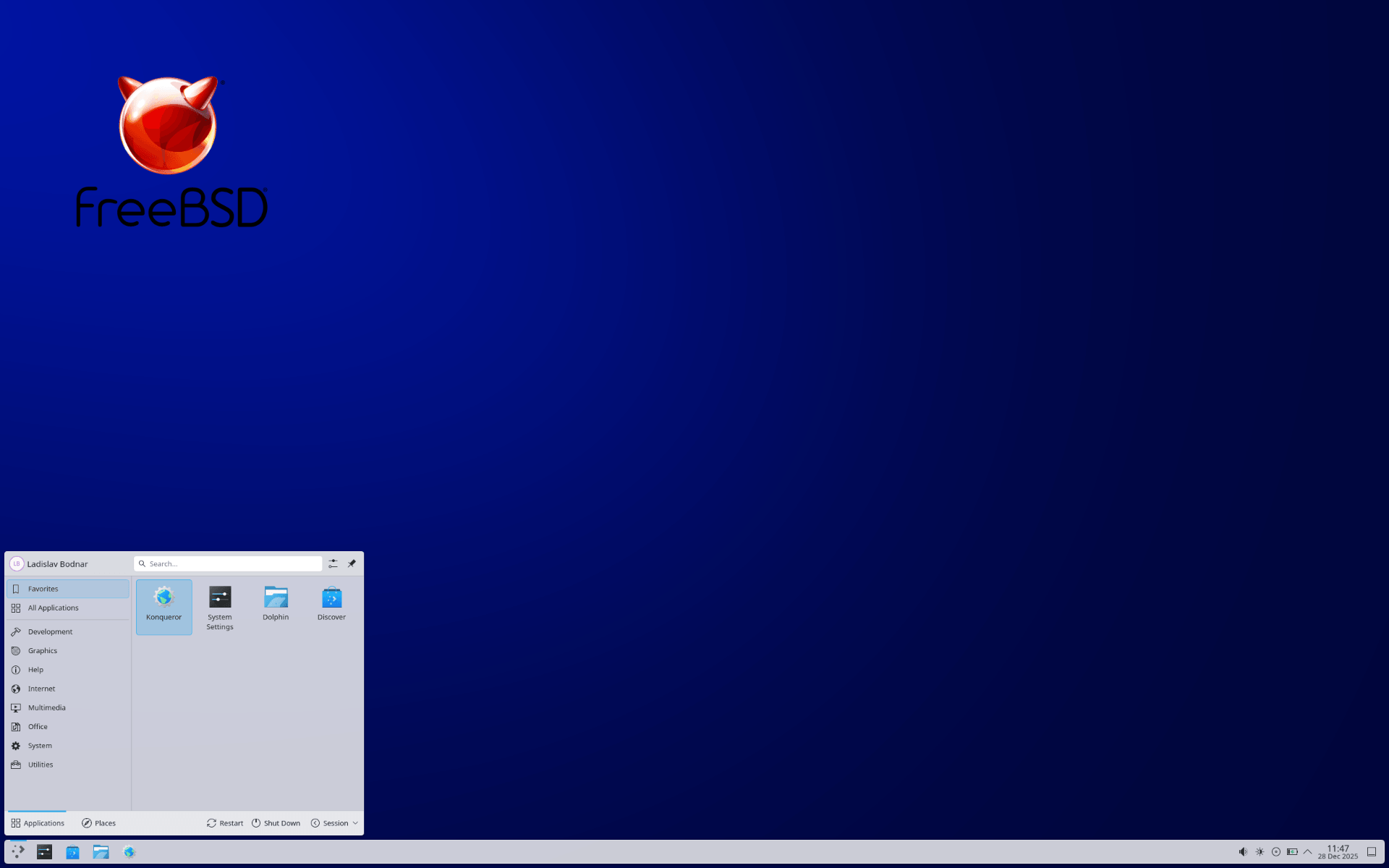
FreeBSD is a complete operating system derived from BSD, the Unix version developed at the University of California, Berkeley. A large community maintains it, and its license lets companies keep their own changes private.
ZFS, jails, and a hypervisor sit at the center of what it offers. OpenZFS is built into the base system, and boot environments let you roll back a bad update by snapshotting the system first.
Its recent release, FreeBSD 15.1, came out earlier this year, and the OS runs on hardware platforms like AMD64, AArch64, Armv7, PowerPC, and RISC-V.
4. GhostBSD
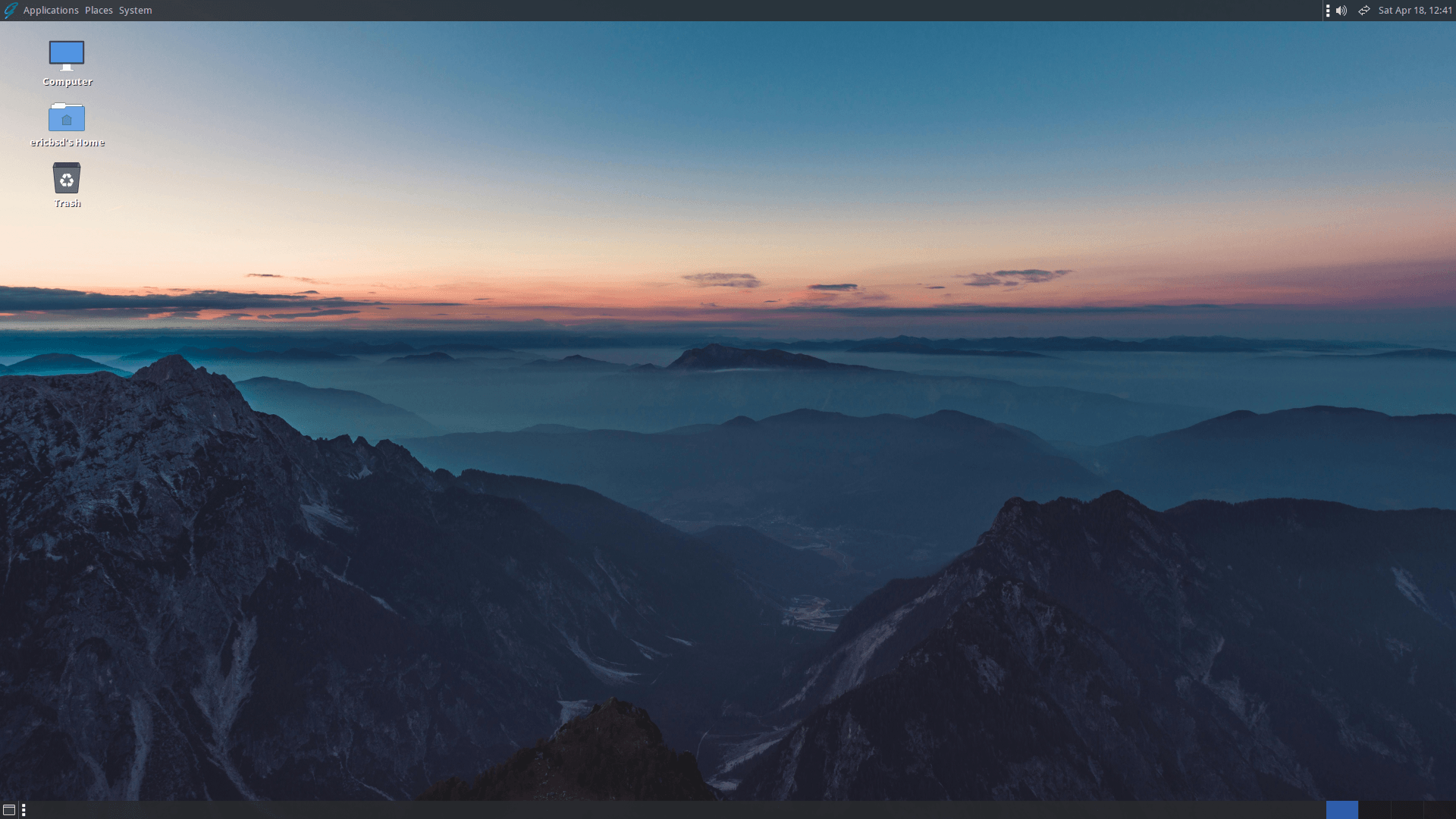
GhostBSD is FreeBSD with the desktop work already done. The project pairs a FreeBSD base with the MATE desktop and offers a set of applications that make users feel familiar with using it.
The name started as shorthand for GNOME hosted by FreeBSD. MATE, the desktop it ships today, is a continuation of GNOME 2, and the old name still fits.
Updates arrive on a slow-rolling schedule, and the project says it values a stable cycle over chasing the newest software the way some Linux distros do. The current release, 26.1-R15.0p2, came out in April on a FreeBSD 15.0 base.
Also good to know is that Linux binary compatibility comes preconfigured, and an installer built on OpenZFS keeps setup approachable for newcomers.
5. Haiku
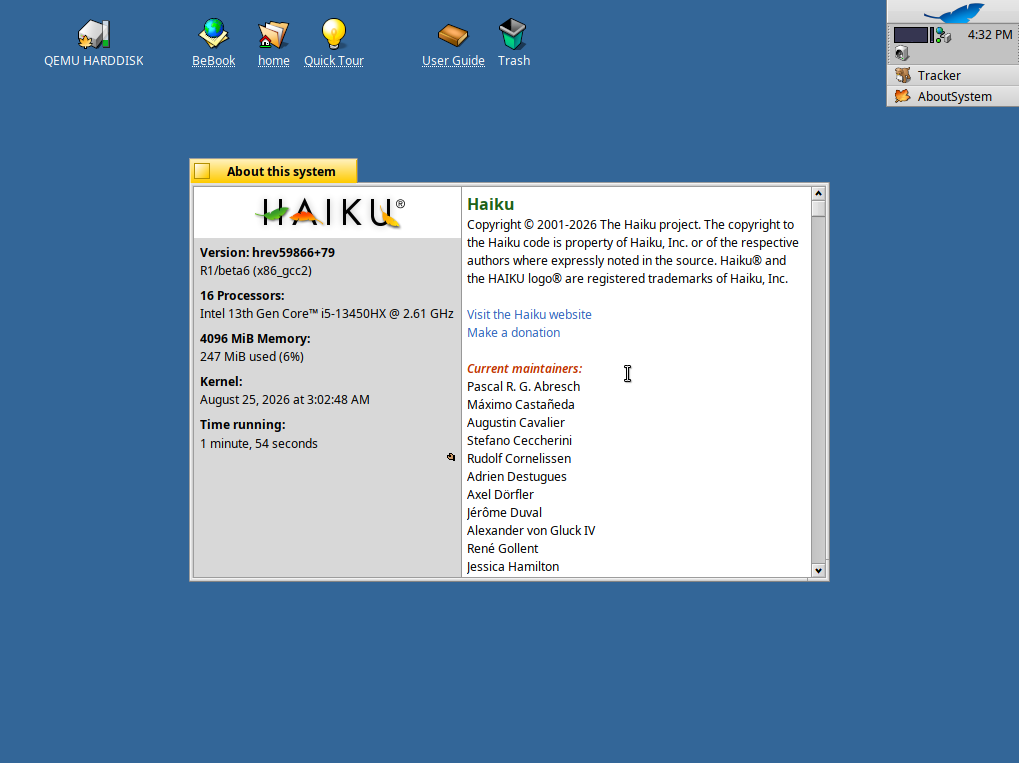
Haiku is an open source operating system inspired by BeOS that is aimed at personal computing. The same team writes the kernel and the desktop applications, with the project crediting that approach for the system's consistent interface.
Under that interface sits a kernel built for responsiveness, a system that is multithreaded throughout, and a BFS file system whose indexed metadata lets Tracker, the file manager, run database-style queries across a drive.
Software installs are handled via packages that mount into the system, and earlier states are kept for rolling back botched updates.
6. ReactOS
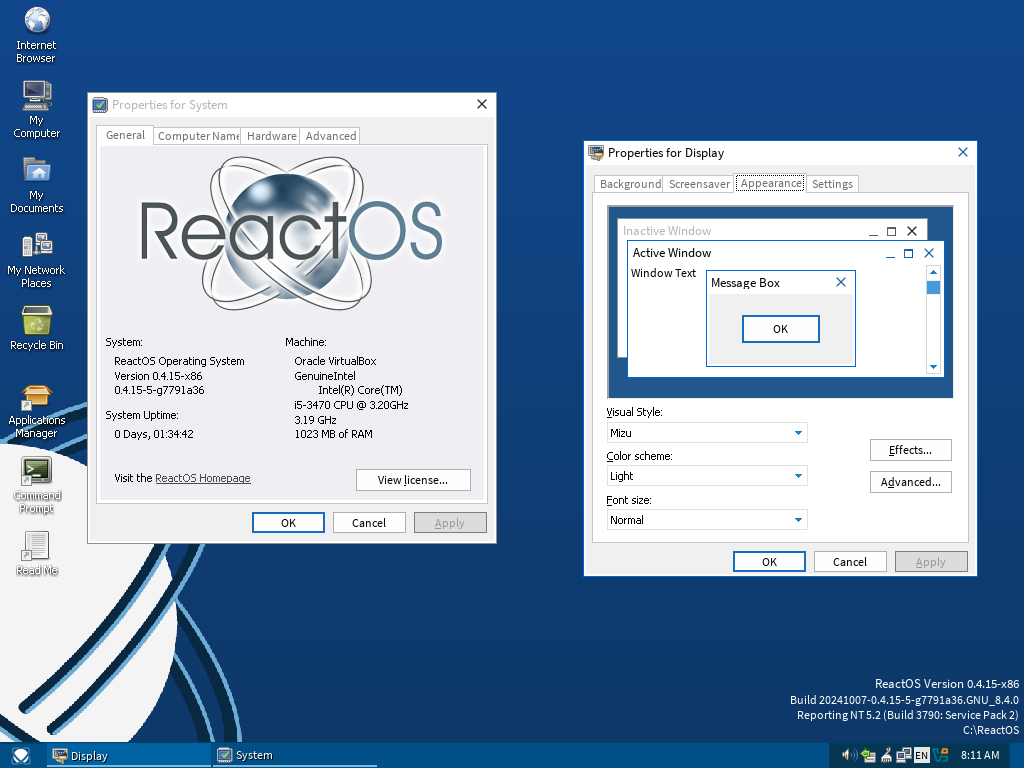
ReactOS comes with a warning label attached because the OS is still considered alpha-level software, and the download page promises nothing about stability, the safety of your files, or whether it would work on your hardware.
Behind the warning is a full operating system with a Windows-style desktop that the project says was written from scratch, while most of its user-mode code is based on Wine, the ubiquitous compatibility layer.
By default, it installs only onto a FAT16 or FAT32 partition, and Btrfs support is experimental.
A suggestion
Try these operating systems in a virtual machine before switching. I say that because it’s a good habit to test out such non-standard pieces of kit before committing to them on your hardware.
First see what works for you. Then see if your workflow and usage habits align with what the OS offers. Once you settle on one, keep it updated so you never miss critical patches.
Air-gapped setups are better protected from such risks, of course.

from It's FOSS https://ift.tt/4sCNv6T
via IFTTT

Tidak ada komentar:
Posting Komentar