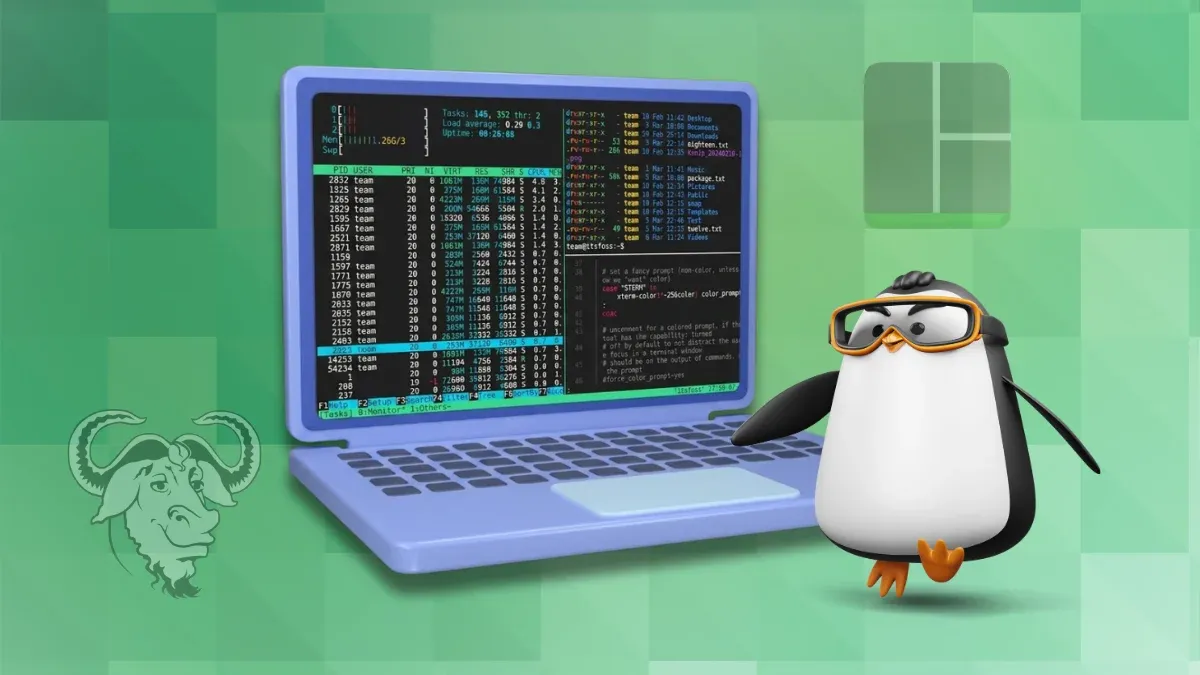
Whether you're a developer, system administrator, or simply someone who spends a lot of time in the terminal, juggling multiple terminal sessions can be messy and frustrating.
A terminal multiplexer helps you keep everything organized, letting you manage several sessions from a single interface while making your workflow much more efficient.
While tmux and GNU Screen are the names most Linux users are familiar with, there are many more similar terminal multiplexer tools available. As someone who like to explore new tools, I spent some time and came up with this list for you.
Zellij
Zellij describes itself as a terminal workspace rather than just a multiplexer, with an emphasis on delivering a polished experience from the moment you launch it.
It aims to provide sensible defaults while still leaving plenty of room for customization.
Zellij
One of the things that sets Zellij apart is its focus on usability. Built-in layouts, a plugin system, and collaborative sessions are all part of the experience, but the project's philosophy is that you shouldn't have to trade simplicity for advanced functionality.
This makes it approachable for newcomers while still offering enough flexibility for users who want to tailor their workspace.
While this is not a ranking list, Zellij is the first one on this list because I have used it on a daily basis for the past several months.
TUIOS
While most terminal multiplexers focus on helping you manage terminal sessions, TUIOS takes that idea a step further by presenting itself as a terminal window manager.
TUIOS tries to bring concepts you'd expect from a tiling window manager, such as workspaces, automatic tiling, and window management, into your existing terminal.
TUIOS
The workflow is centered around a modal interface inspired by Vim, letting you switch between managing windows and interacting with terminal applications.
Alongside features like a command palette and workspace organization, TUIOS also supports automation through tape files, making it suitable for users who want to build repeatable terminal workflows instead of just juggling multiple shells.
Wezterm
You probably know WezTerm as a feature-rich terminal emulator. But there's more to it than meets the eye.
WezTerm includes a built-in multiplexer, allowing you to create and manage persistent sessions without relying on a separate tool.
Wezterm as a Terminal Multiplexer
It integrates multiplexing directly into the terminal and supports local domains. While it lets you connect to remote domains over SSH and other tmux like features, this requires you to spend some time configuring.
Kitty + Abduco
If you're already using Kitty as your terminal emulator, you don't necessarily have to switch to a traditional multiplexer. Pairing it with abduco gives you a lightweight way to keep terminal sessions running in the background while letting Kitty handle everything on the frontend.
Kitty with Abduco
It's a simple combination that sticks to the Unix philosophy of using small tools that do one job well.
The primary job of abduco is to detach and reattach terminal sessions, leaving the rest to your terminal emulator.
Kitty complements this nicely with features like tabs, splits, and a polished interface, giving you a workflow that feels familiar while still providing session persistence.
tmate
Rather than reinventing the multiplexer experience, tmate builds on tmux and adds secure session sharing, making it easy to collaborate, troubleshoot problems, or provide remote assistance without asking someone to install extra software.
Tmate
The biggest addition is the ability to generate a connection string that others can use to join your session.
By default, these shared sessions are relayed through tmate's public servers, although you can host your own relay if you prefer to keep everything under your control. If you never need to share your terminal, however, plain tmux is likely the better fit.
Boo
At first glance, boo might look like just another GNU Screen alternative. In reality, it's a fairly different take on terminal multiplexing.
Built on Ghostty's terminal emulation library, boo keeps track of the actual terminal state, allowing it to recreate a session exactly as you left it, even after you've detached and reattached.
Boo
The project also leans into automation. Besides keeping sessions alive, it includes commands that let scripts and AI agents inspect or interact with detached sessions without needing a live terminal connection.
Okena
Okena combines terminals, tabs, panes, and projects into a single interface, with a strong focus on helping you pick up exactly where you left off.
Close the application, reopen it later, and your workspace is restored much like you never left.
Okena
That persistence model is what makes Okena different. Unlike tmux or GNU Screen, it doesn't keep sessions running in the background after the application closes, nor is it designed for detached SSH workflows or remote session management.
Instead, the emphasis is on restoring your local workspace, making it feel more like a modern development environment than a server-backed multiplexer.
Seance
Seance, built with GTK4 and libadwaita, takes a desktop-first approach to terminal session management. It feel more like a modern Linux application than a traditional keyboard-driven multiplexer.
Seance. Video Credit: Seance
It offers a clean interface with configurable key bindings, workspace management, and session persistence across restarts, so you can reopen the application and continue where you left off.
However, it isn't designed around detached server sessions or remote SSH workflows. Instead, it focuses on providing a polished experience for managing terminal workspaces on your local Linux desktop.
Wrapping Up
As you can see, there's no shortage of ways to organize your terminal workflow. Some of these tools have been around for decades, while others are reimagining what a terminal workspace can look like. The thing is that there's no single "right" choice. It all comes down to how you work.
Whichever you choose, learning to use a terminal multiplexer is one of those skills that pays off over time. Once it becomes part of your workflow, your muscle memory, there is no going back to normal terminal sessions.
By the way, you might be interested in exploring various terminal emulators as well.

from It's FOSS https://ift.tt/s32TrH1
via IFTTT

Tidak ada komentar:
Posting Komentar