TDF and Collabora have been at odds since April, when TDF's Membership Committee kicked out every Collabora staffer and partner in one move, with more than 30 people dropped.
That didn't stop Collabora from shipping a range of new releases, with Collabora Office 26.04 being the most recent one, where AI was introduced as an opt-in feature, letting users pick a model and bring their own credentials.
Now, LibreOffice, and by extension, The Document Foundation, has put its rejection of AI at the very forefront with the LibreOffice 26.8 release, going as far as calling it out in the release announcement title itself.
🆕 LibreOffice 26.8: What's New?
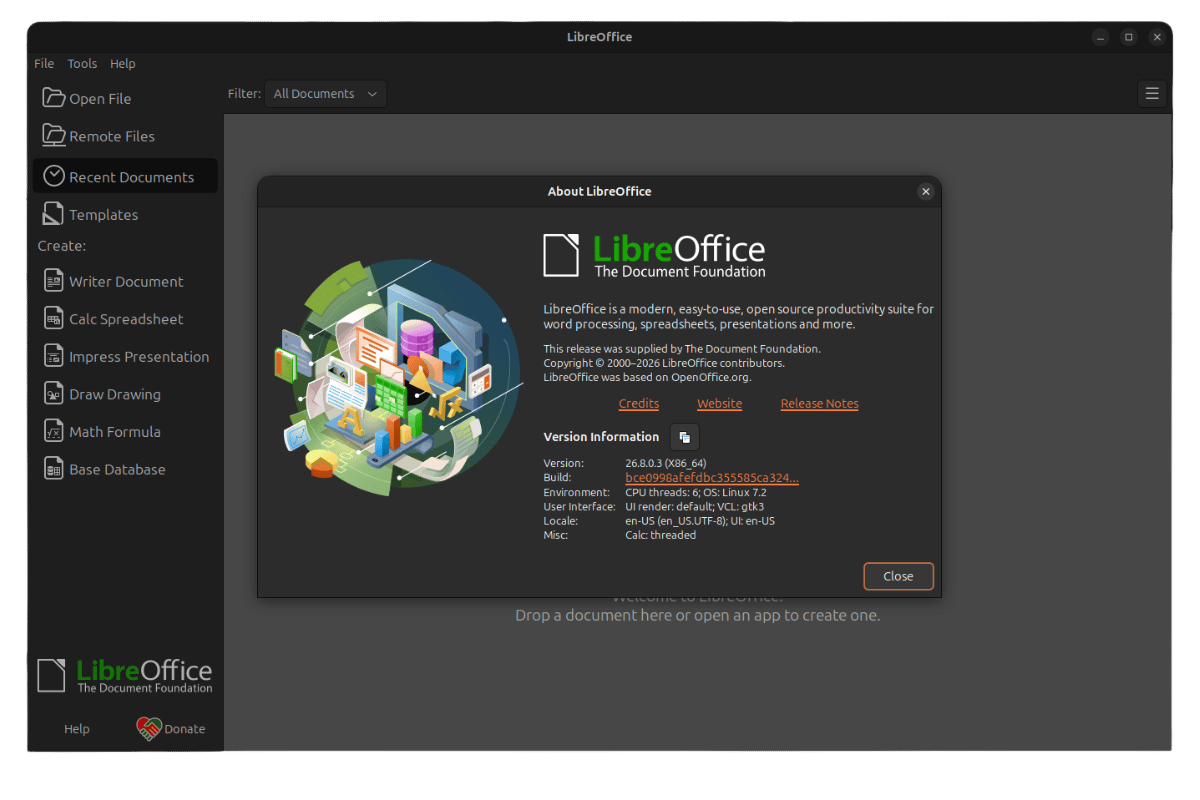
There's no AI in LibreOffice 26.8. Nothing about the suite talks to a remote server, and none of it needs an internet connection to work.
This isn't an oversight; it's a promise. TDF says that if your work can't leave the building for legal or privacy reasons, the only way to prove that later (during an audit, for example) is if the software never gave it anywhere to go.
Anyhow, coming back to the editors. 👇
Writer now detects paragraph direction automatically when you open or paste a document, end-of-line spacing follows the paragraph's direction instead of the reading direction, and object resize controls play well with RTL and vertical CJK documents.
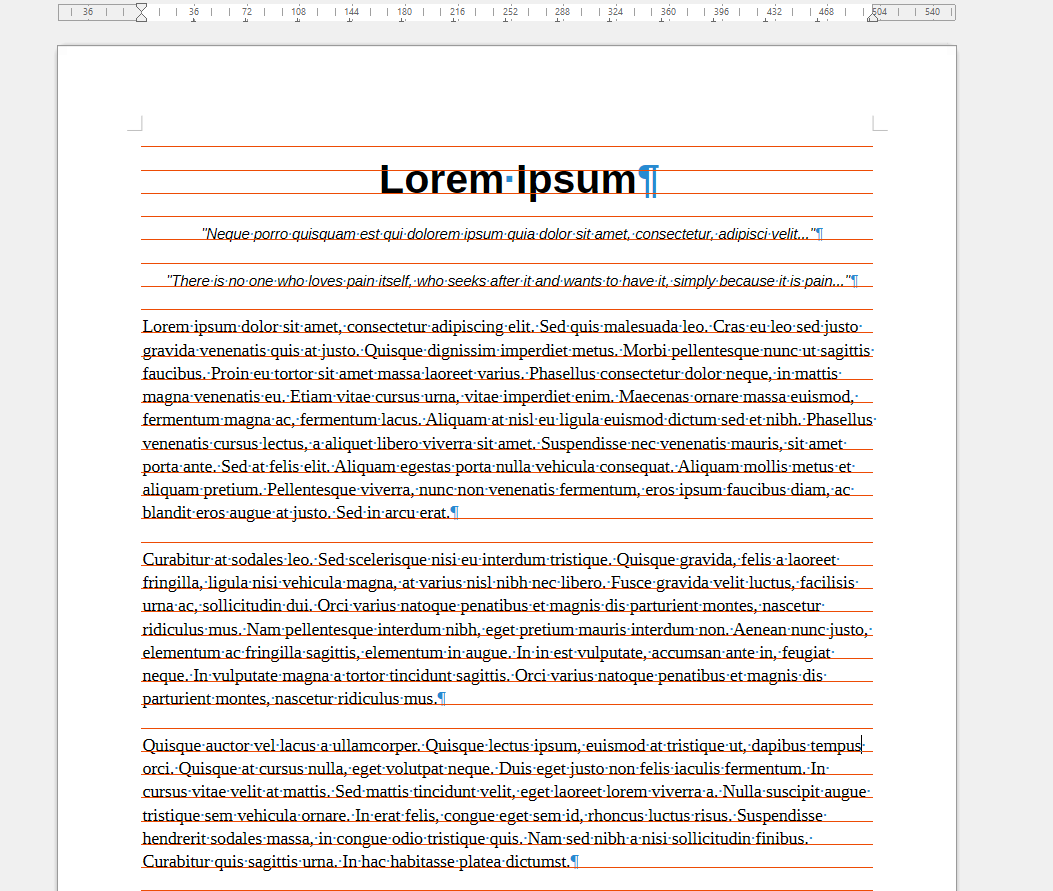
It also gets a way to see the baseline grid during editing, and the grid itself now aligns correctly inside text frames. A new Draft View for stripping out the headers, footers, and page margins for distraction-free writing is available too.
Calc picks up the same RTL detection we saw earlier. Typing right-to-left text into an empty cell sets its direction automatically instead of requiring a manual toggle.
With additional improvements like Calculated Fields for pivot tables and a "Shuffle" command for scrambling cell order within a selected range.
Similarly, Math gets new named functions and operators built for two west African writing systems, N'Ko and Adlam, which cover the Manding languages and Fulani, plus left-pointing vector arrows for formulas written right to left.
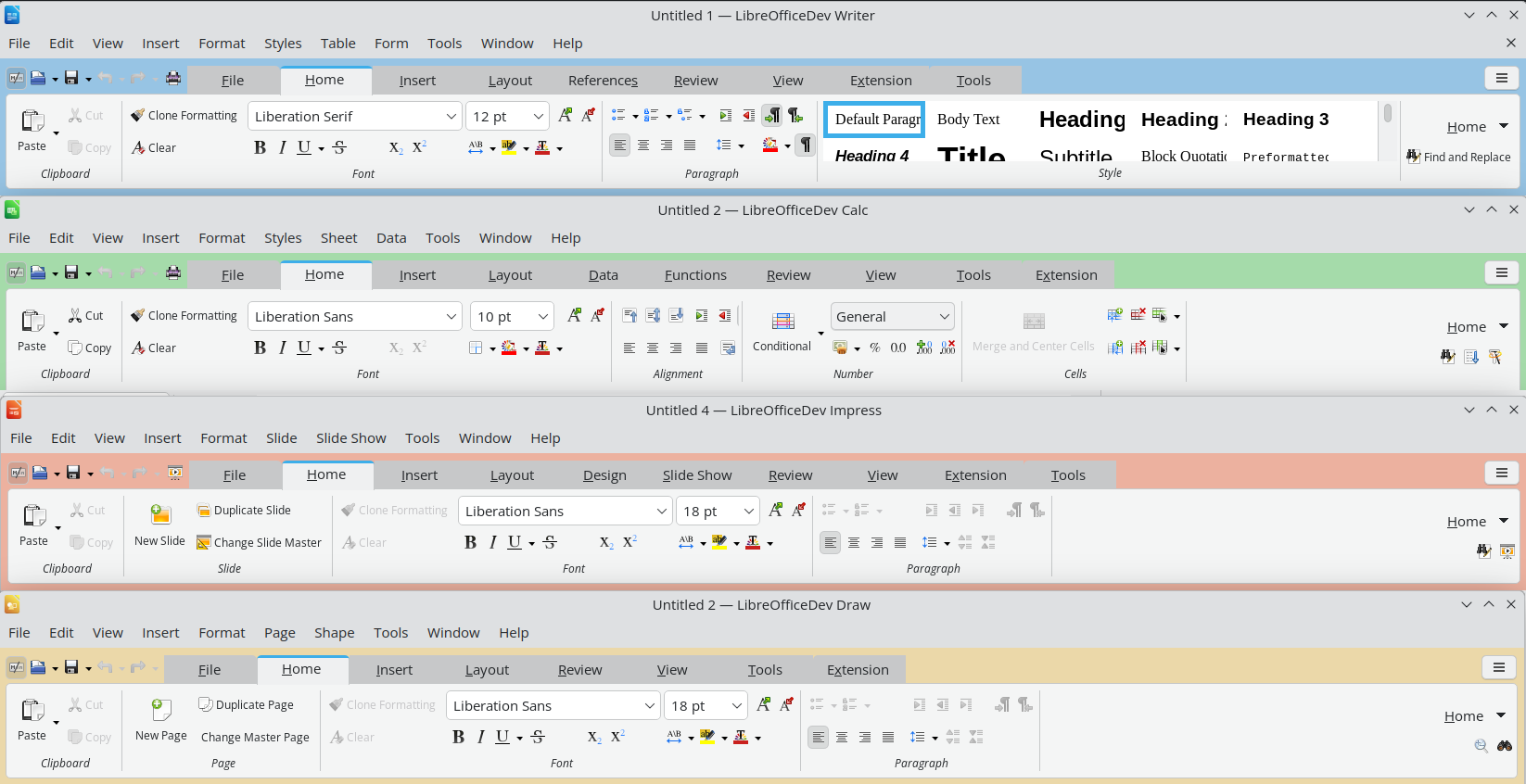
From left to right: Writer, Impress, and Colored Notebookbars.
Chart has basic support for reading and writing back the newer chart formats (chartex) that show up in Microsoft's OOXML files, covering the box-and-whisker, funnel, Pareto, sunburst, treemap, and waterfall types.
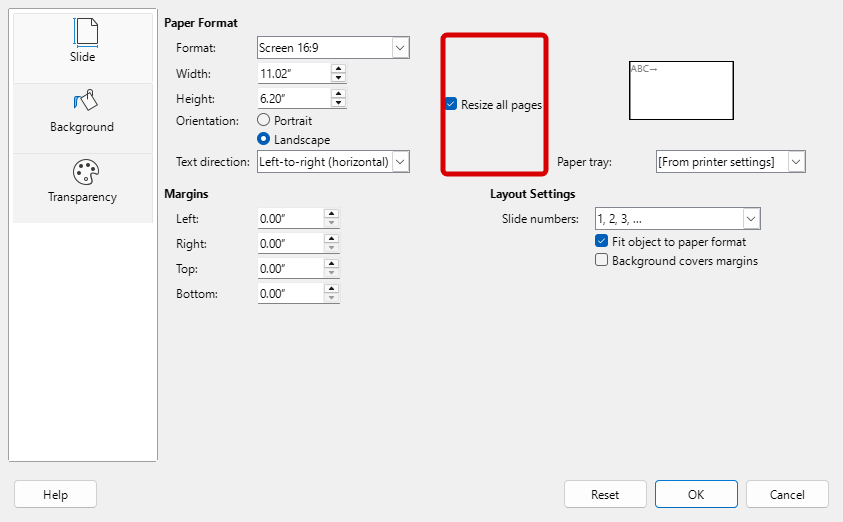
Impress and Draw can mix page sizes within one file instead of forcing every slide or page to match, and Impress also picks up presentation sections, letting you group slides under a name instead of scrolling through one long list.
And generally speaking, Calc, Writer, Impress, and Draw now each carry their own background tint in the Notebookbar (the ribbon-style interface on top), so you can tell which app you're in without reading the title bar.
There's also a new Paragraph Composer that balances word spacing across a whole paragraph instead of judging each line by itself, fixing the uneven look that comes from justifying one line at a time.
⚙️ How to Install/Upgrade?
You will usually find LibreOffice already installed on popular Linux distributions, and it is only a matter of time before this release shows up as part of a routine system upgrade.
If you can't wait, then downloading the DEB or RPM package is the quickest way to get this release installed. Alternatively, you could also opt for the Flatpak, but know that it receives updates a bit late.
Refer to the release notes if you want to see the new changes in action.

from It's FOSS https://ift.tt/WkRDUTN
via IFTTT

Tidak ada komentar:
Posting Komentar