Collabora Productivity got into the desktop editor market last year when they launched Collabora Office, an office suite built on the same rendering mechanism as Collabora Online, but focused on offline use.
They came up with this so people could get the same editing experience online or offline without needing to re-learn their way around the interface. It is still LibreOffice code under the hood, but instead of the traditional VCL interface, it uses a JavaScript, CSS, WebGL, and Canvas stack.
That shared codebase means updates move fast between Collabora's products, which is why the first major update for Collabora Office already pulls in features from CODE 26.04.
A refined document suite
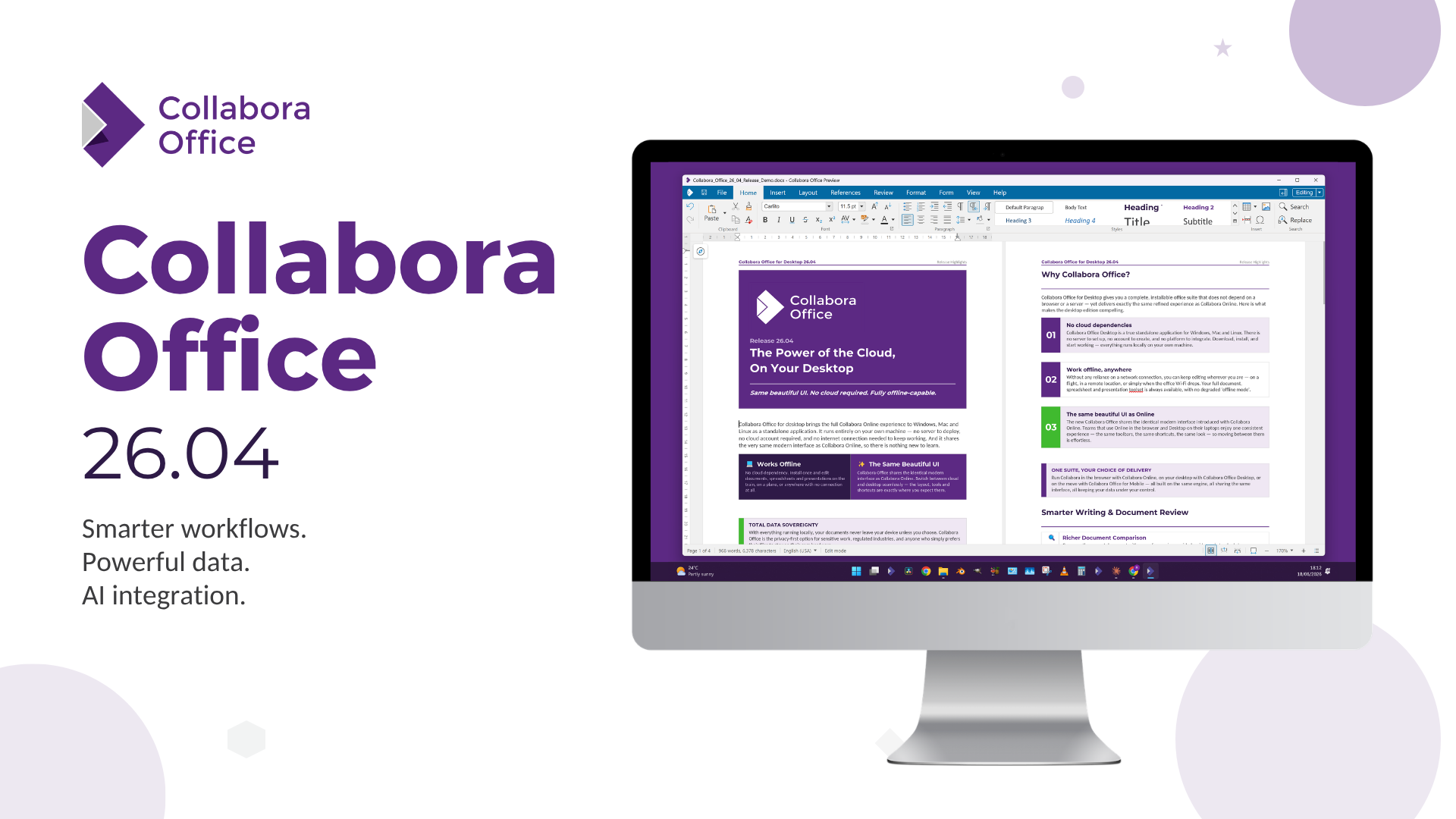
Open any one of the three editors without a document loaded, and you will land on the new start screen. It will show your recent documents with file type icons, a template gallery, and provide quick access features like AI and document signing once a file's open.
Of course the bigger addition here is AI. I know you are tired of seeing every other open source office suite dipping themselves in Clanker paint, but fret not, as Collabora has kept AI off by default.
Switching it on means picking your own model provider, self-hosting a model, or choosing a vendor you already trust, and plugging in your own credentials. Collabora stays out of the loop entirely and the assistant gets no access to your documents unless you hand it over yourself.
When enabled, it drafts and rewrites text in Writer, sorts out broken formulas in Calc before you go hunting for the error yourself, and turns rough notes into an actual slide deck in Impress.
It can also generate images and summarize documents when you don't have time to go through them manually.
For the rest of the release, Office 26.04 ships what the CODE 26.04 release came with.
So for Writer, you get a reworked document comparison tool that color-codes insertions/deletions and any moved content while flagging who made each change and when.
All of that is viewable side by side or through the tracked changes panel. There's also a new multi-page view, richer style previews, Navigator search, and Markdown import/export.
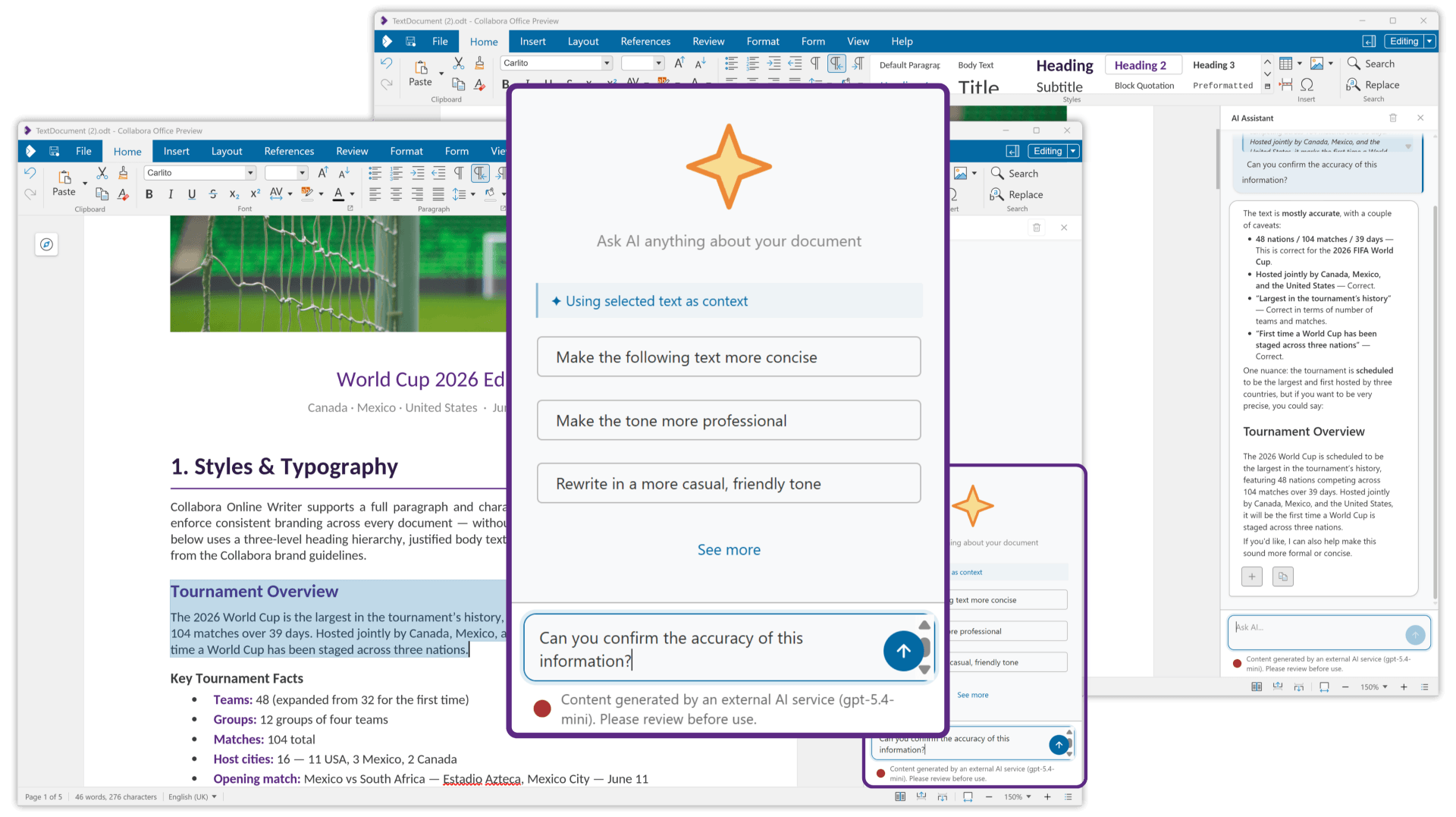
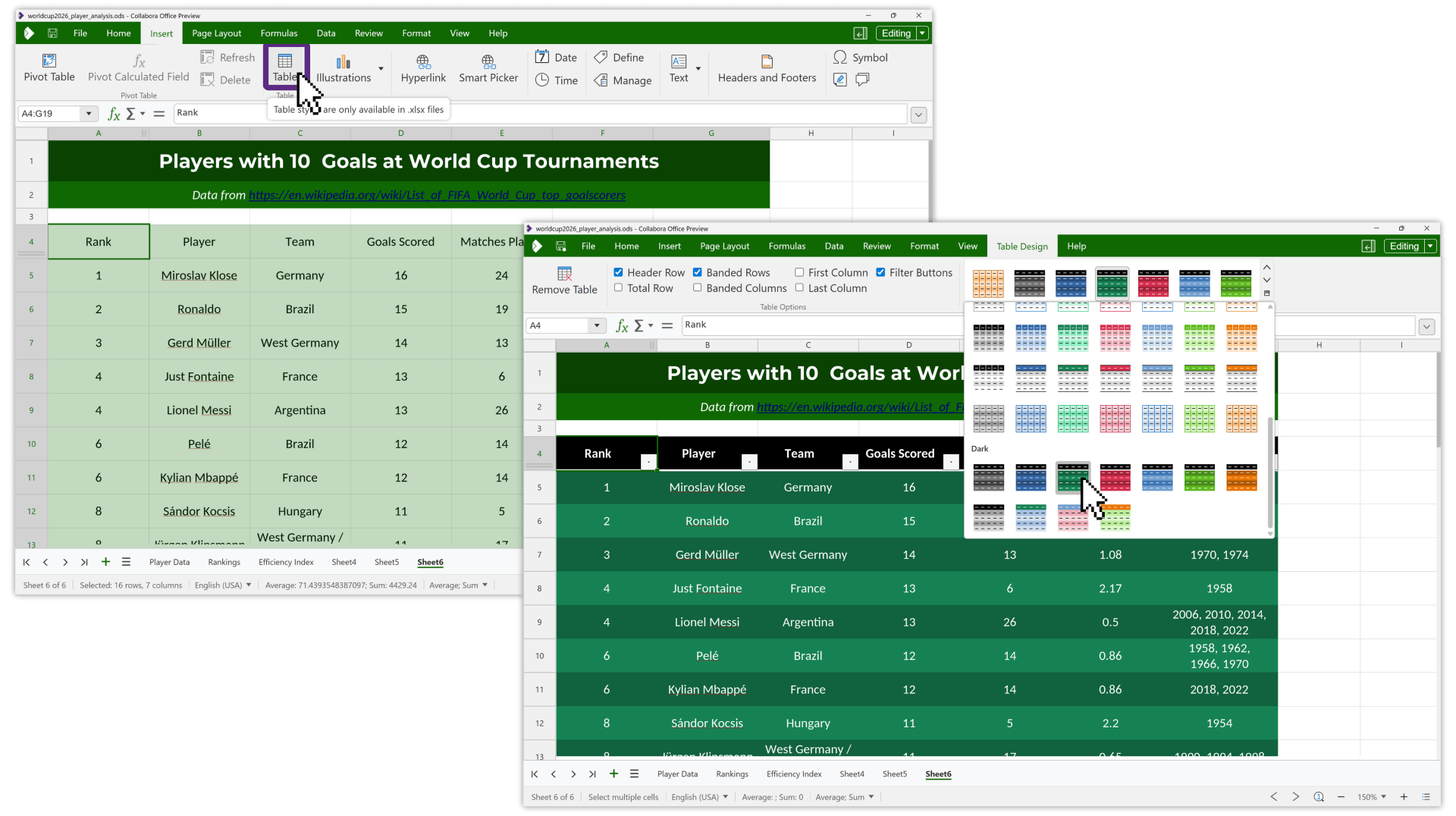
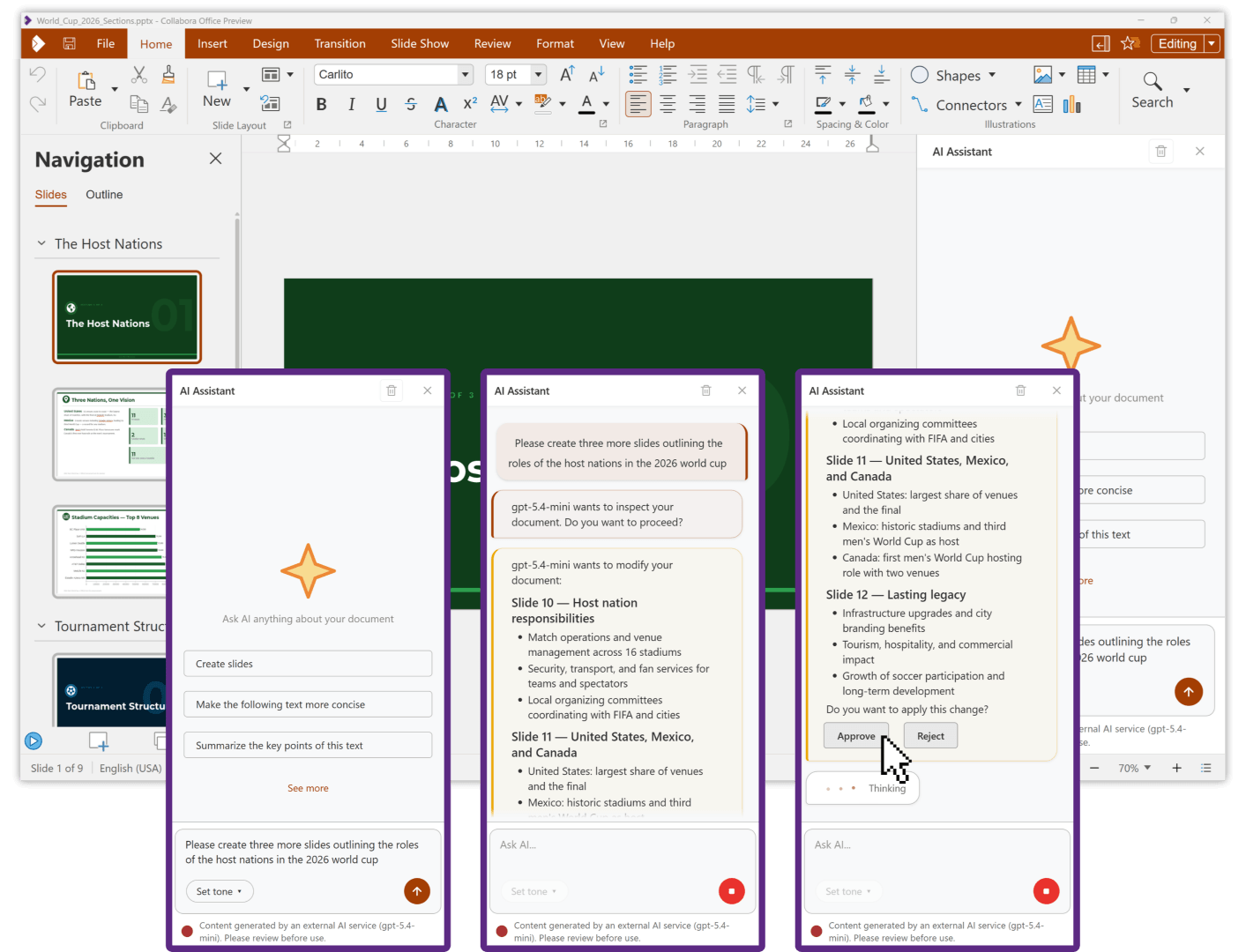
Writer, Calc, and Impress.
Calc picked up just as much. Per-user sheet views let each person set their own filters and layout without touching anyone else's, and a new table design tab brings proper table styles along with calculated pivot fields.
Formula errors now show up in a floating helper dialog right on the cell, so you can inspect and fix the problem without scrolling through the sheet. A batch of new functions has also landed, including TEXTSPLIT, HSTACK, and WRAPROWS.
Over in Impress, follow-me presenting lets viewers scroll back through earlier slides on their own without ever jumping ahead of whoever's presenting. Similarly, slides can be grouped into sections, a single deck can mix multiple slide sizes, and multi-monitor support is better than before.
You also get better font embedding for presentations that render consistently wherever they're opened.
Get started
Collabora Office is available for a wide range of platforms, including Linux (as a Flatpak and Snap), Windows (via the Microsoft Store), and macOS (via the App Store).
For tracking development and access to the source code, you can visit Collabora's Gerrit instance.
If you were looking out for enterprise support, Collabora says that they are working on it and that this release acts as a preview of what's to come. I asked Michael Meeks, the CEO of Collabora Productivity, what enterprise users, particularly those looking to deploy Collabora Office on Linux, can expect.
He said that:
Enterprises can start evaluating this today, support will arrive in a few weeks. They can look forward to smoother workflows, less training with a more attractive and ergonomic UX shared with Collabora Online, built-in AI support and more. We look forward to enterprise user feedback.

from It's FOSS https://ift.tt/81pNjda
via IFTTT

Tidak ada komentar:
Posting Komentar