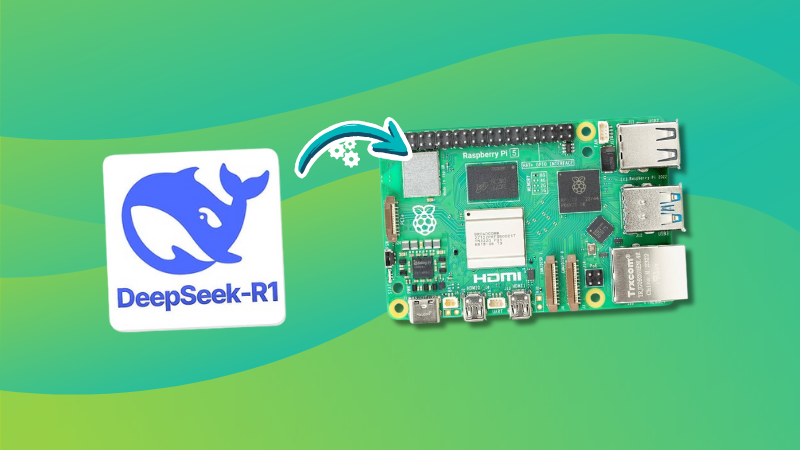
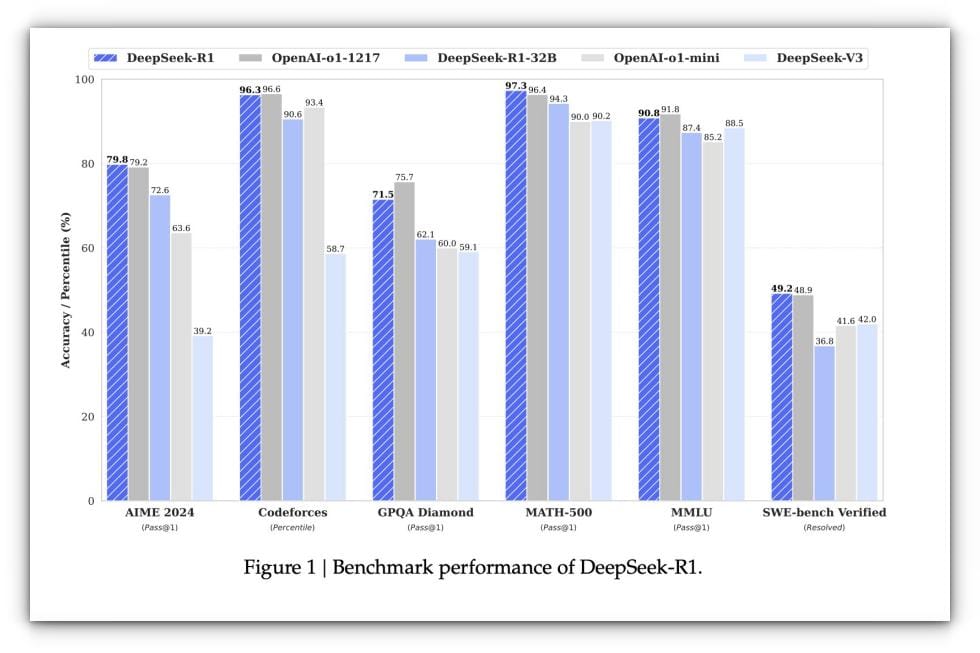
Since the launch of DeepSeek AI, every tech media outlet has been losing its mind over it. It's been shattering records, breaking benchmarks, and becoming the go-to name in AI innovation.
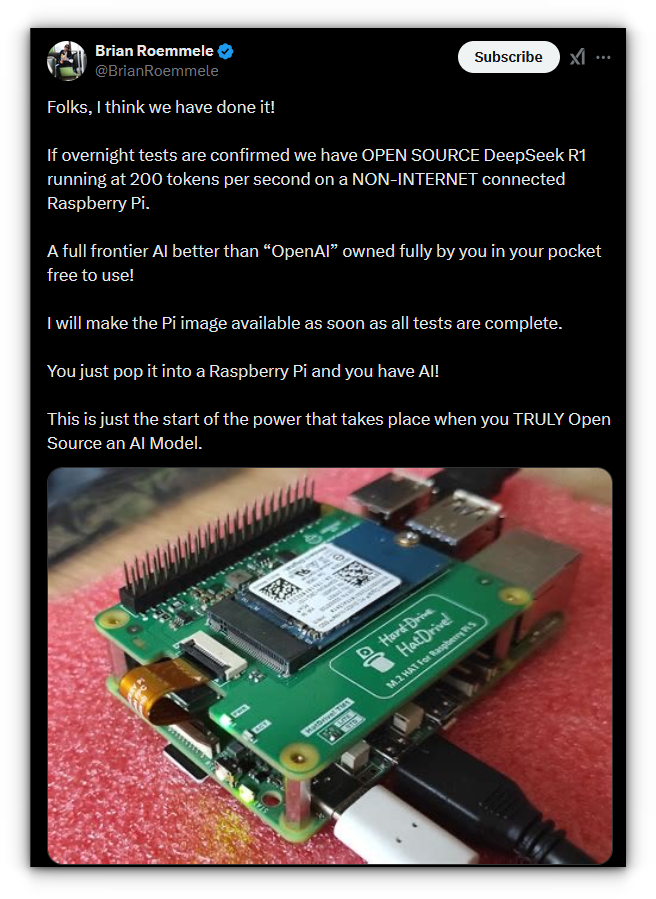
Recently, I stumbled upon a post on my X feed (don’t judge me, I’m moving to Bluesky soon!) where someone claimed to have run Deepseek on a Raspberry Pi at 200 tokens/second.
My head started spinning. "wHaaaTTT?!"
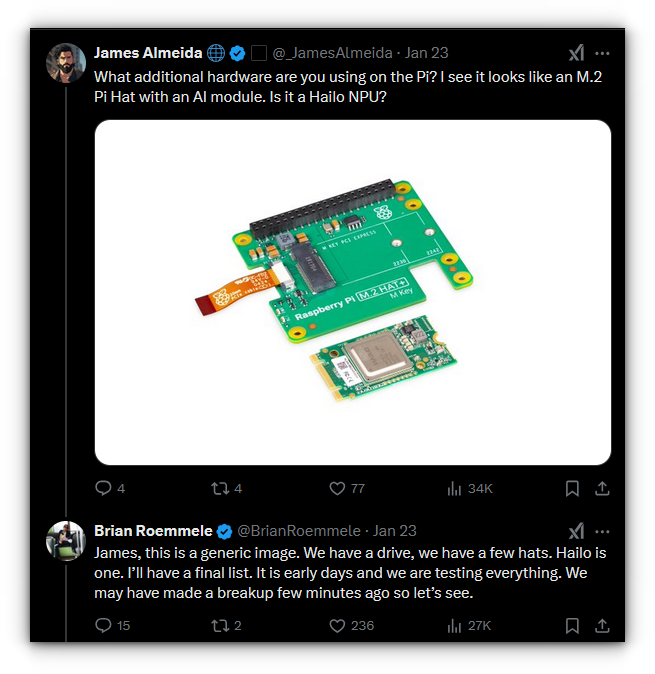
Naturally, I doom-scrolled the entire thread to make sense of it. Turns out, the guy used an AI accelerator module on top of the Pi to hit those numbers.
But curiosity is a powerful motivator. Since I didn’t have an AI module lying around, I thought, why not test the raw performance of Deepseek on a plain Raspberry Pi 5? Who's stopping me?
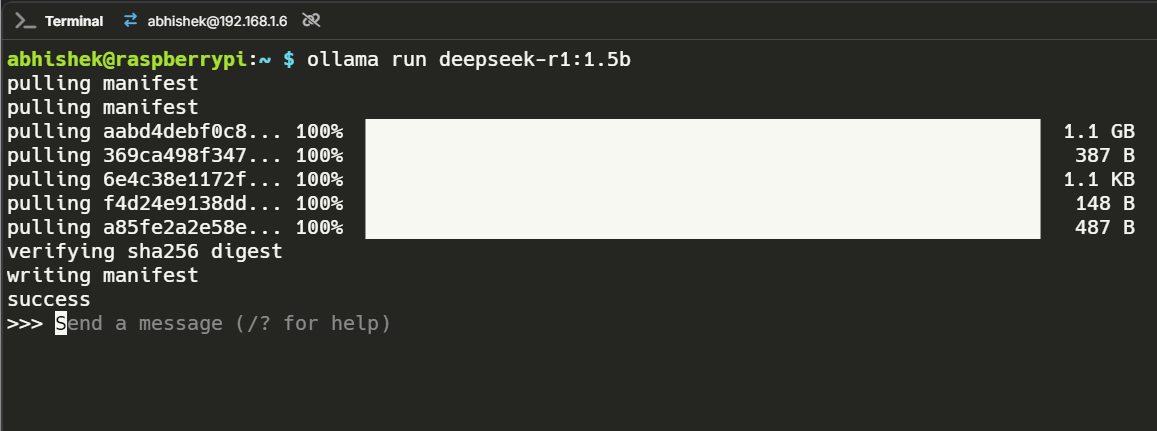
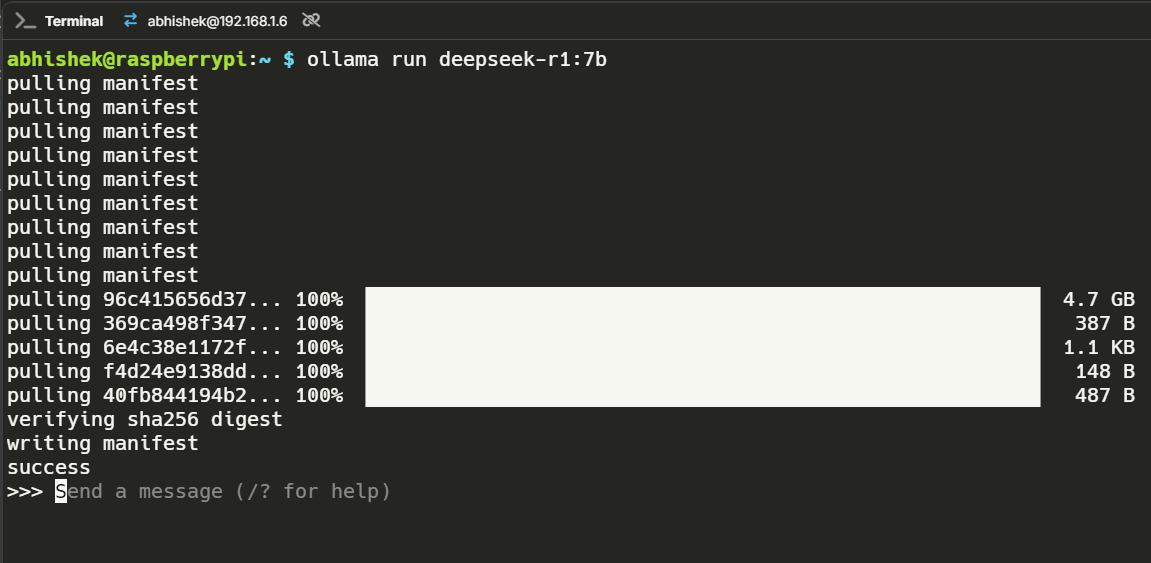
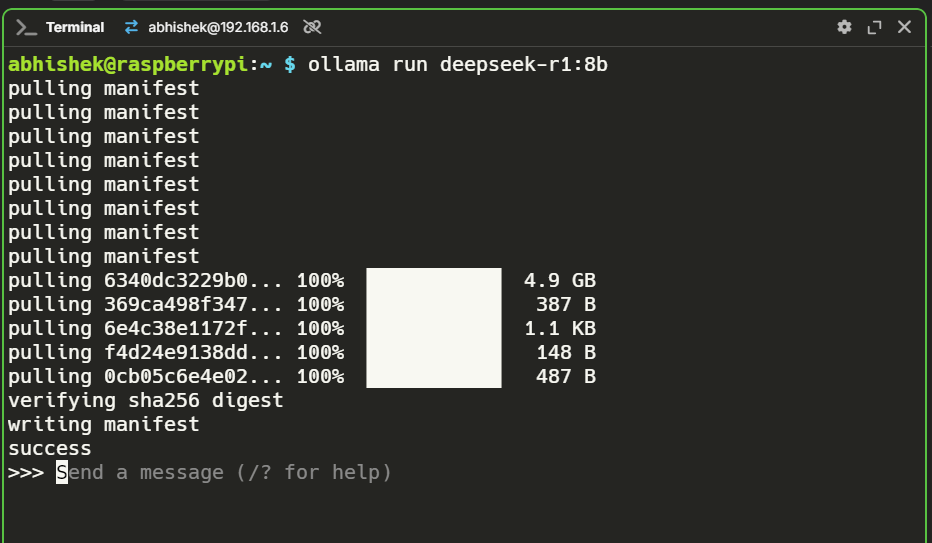
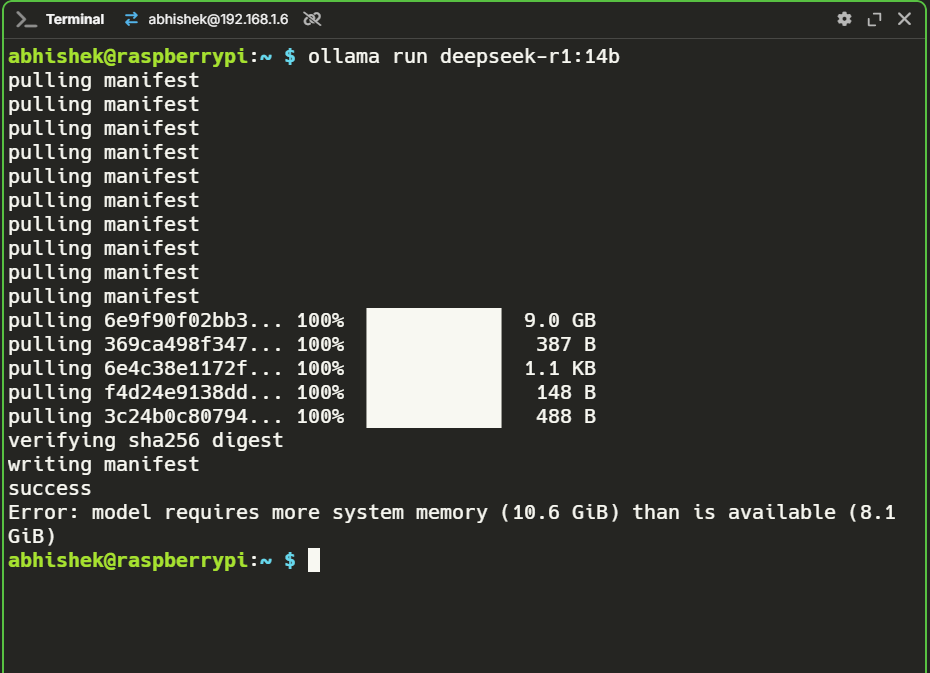
So, for this article, I installed Ollama on my Pi 5 (8 GB model) and downloaded Deepseek model with different parameters(i.e. 1.5B, 7B, 8B, and 14B parameters to be specific).
💡
If you're new or unsure about setting things up, don't worry, we already have a detailed guide on installing Ollama on a Raspberry Pi to help you get started.
Here’s how each one performed:
Deepseek 1.5B
This model was snappy. It felt surprisingly responsive and handled paraphrasing tasks with ease. I didn’t encounter any hallucinations, making it a solid choice for day-to-day tasks like summarization and text generation.
Performance stats
To test its capability further, I posed the question: What's the difference between Podman and Docker?
The model gave a decent enough answer, clearly breaking down the differences between the two containerization tools.
It highlighted how Podman is daemonless, while Docker relies on a daemon, and touched on security aspects like rootless operation.
This response took about two minutes, and here’s how the performance data stacked up:
The 7B model introduced a fair amount of hallucination. I tried writing a creative prompt asking for three haikus, but it started generating endless text, even asking itself questions!
While amusing, it wasn’t exactly practical. For benchmarking purposes, I simplified my prompts, as seen in the video. Performance-wise, it was slower, but still functional.
Performance stats
To test it further, I asked: What’s the difference between Docker Compose and Docker Run? The response was a blend of accurate and imprecise information.
It correctly explained that Docker Compose is used to manage multi-container applications via a docker-compose.yml file, while Docker Run is typically for running single containers with specific flags.
However, it soon spiraled into asking itself questions like, “But for a single app, say a simple Flask app on a single machine, Docker Run might be sufficient? Or is there another command or method?”
This was the wild card. I didn’t expect the 8B model to run at all, considering how resource-hungry these models are. To my surprise, it worked!
The performance was on par with the 7B model, neither fast nor particularly responsive, but hey, running an 8B model on a Raspberry Pi without extra hardware is a win in my book.
Performance stats
I tested it by asking, "Write an HTML boilerplate and CSS boilerplate." The model successfully generated a functional HTML and CSS boilerplate in a single code block, ensuring they were neatly paired.
However, before jumping into the solution, the model explained its approach, what it was going to do and what else could be added.
While this was informative, it felt unnecessary for a straightforward query. If I had crafted the prompt more precisely, the response might have been more direct (i.e. user error).
Unfortunately, this didn’t work. The 14B model required over 10 GB of RAM, which my 8 GB Pi couldn’t handle. After the success of the 8B model, my hopes were high, but alas, reality struck.
Conclusion
DeepSeek’s raw performance on the Raspberry Pi 5 showcases the growing potential of SBCs for AI workloads.
The 1.5B model is a practical option for lightweight tasks, while the 7B and 8B models demonstrate the Pi’s ability to handle larger workloads, albeit slowly.
I’m excited to test DeepSeek on the ArmSoM AIM7 with its 6 TOPS NPU. Its RK3588 SoC could unlock even better performance, and I’ll cover those results in a future article.
And other Linux news, videos and, of course, memes!
This edition of FOSS Weekly is supported byANY.RUN.
✨ANY.RUN: Business-Ready Interactive Linux Malware Analysis
Don’t let your business be the next target of emerging Linux malware. Strengthen your critical operations with ANY.RUN’s Interactive Sandbox, designed for proactive malware hunting and analysis.
Here’s how it helps businesses stay safe:
Quick setup gets you started instantly
Real-time detection spots threats fast
Unlimited sessions let you analyze all your files
Risk-free interaction keeps your system safe
Detailed reports boost your defenses
User-friendly design simplifies analysis
Cloud access works anywhere, anytime.
Protect your business and gain peace of mind with the ultimate malware analysis platform trusted by companies worldwide. Try it for FREE!
Managing your finances is crucial, My Expenses makes it simple.
🛍️Deal You Would Love
If you are looking for a career in IT with Linux, Cloud and DevOps, Linux Foundation's training and certifications (LFCS, CKA etc) are on a limited time discount.
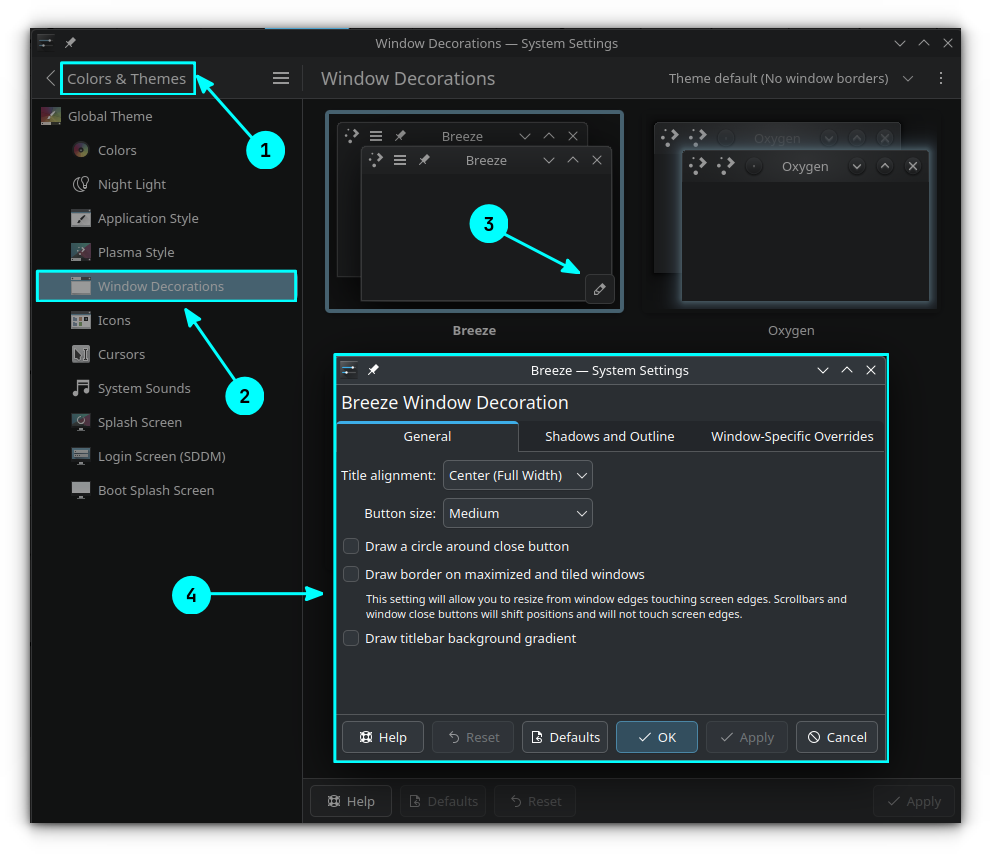
In KDE Plasma, you can add some additional effects to the Breeze window decorations using system settings. First, go to System Settings, then go to Colors & Themes → Window Decorations.
Here, click on the edit icon near the Breeze theme to get more options, where a new settings dialog should appear. You can do appearance changes like title alignment, shadows and outline, button size tweaks, etc.
This might work with other Plasma themes too.
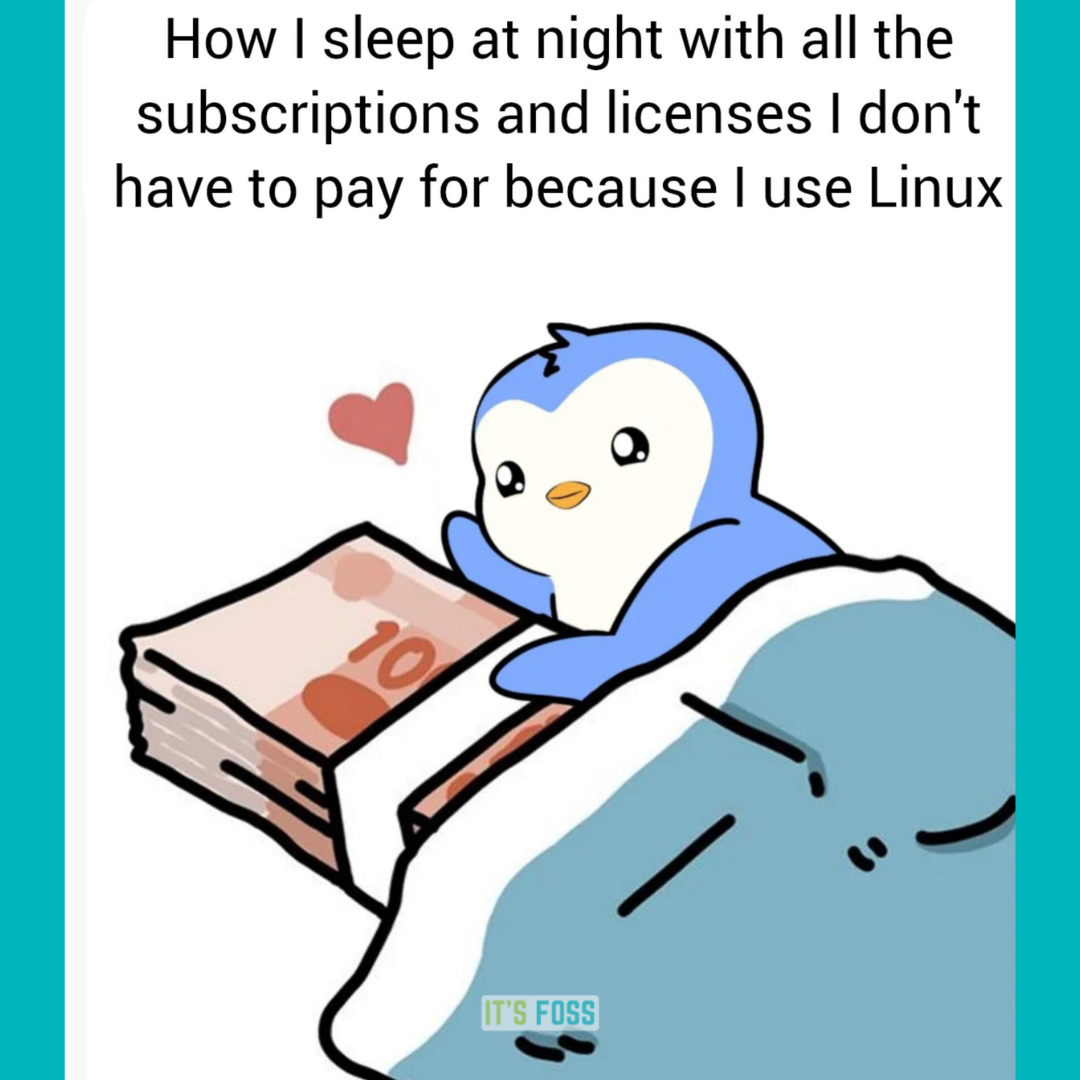
🤣 Meme of the Week
Do you also feel the same way?
🗓️ Tech Trivia
The Macintosh, launched on January 24, 1984, was the first successful computer with a mouse and graphical user interface. It revolutionized personal computing by making technology more accessible. Its debut was marked by Apple’s iconic “1984” Super Bowl commercial.
Whether you are a Windows/macOS user, or someone who is new to computers, Linux often comes as a challenge to everyone when they encounter unfamiliar terms.
You do not usually come across Linux-specific jargon in standard high school academic computer books, unless there is a dedicated chapter for Linux.
So, for the majority of users who never used Linux, the terms associated will sound alien to them.
With this article, I aim to change that by explaining some of the important jargon that should help you navigate the Linux world better.
1. Kernel
The core of an operating system that interacts with the hardware, and software to help you take control of it, is a kernel.
And, Linux is just a kernel. We have an article that explains what Linux is for more details.
Every operating system is built on top of a kernel, like the Windows NT kernel for Windows, and the XNU kernel for Apple's macOS.
2. Distro
A distro (short for distribution) is a complete operating system package built on top of a Linux kernel.
There can be 100s of Linux distros. Each of them can differ in terms of its desktop environment, package manager, software pre-installed, user interface, Linux kernel version, and its use-cases. The combination of such system components that you like should be your preferred Linux distro.
Some of the examples of a distro include Ubuntu, Fedora, Arch Linux, and Linux Mint. Furthermore, there are distros that are based on other existing distros. For instance, Linux Mint is based on Ubuntu, and Ubuntu is based on Debian.
It can be confusing to choose a distro based on what's available. So, I recommend going through the list of the best Linux distributions for all kinds of users.
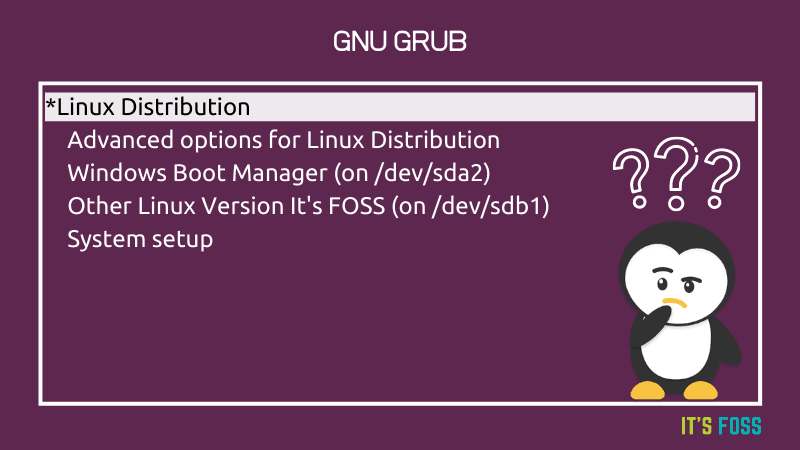
Grub is the boot manager program (or bootloader) that lists the operating systems installed on your computer. You can find it on most popular Linux distributions, with some exceptions like Pop!_OS.
If you didn't know, a bootloader is a program that starts when you boot up the computer and loads the kernel to execute. You get to customize the order of it, and also customize the look of it to some extent.
My favorite desktop environments include GNOME and KDE Plasma.
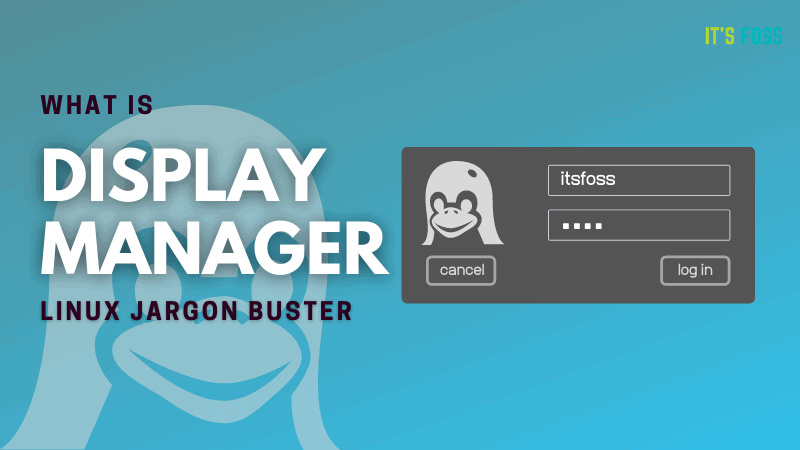
6. Display server
Display server is the core tech of what enables you to see and have a graphical user interface (GUI). Without it, you will not have a GUI to interact with.
It is not the same as desktop environment. In fact, a desktop environment includes a display server under-the-hood to make things possible.
You might have heard about X11, and Wayland sessions, those are the types of display servers available. Explore more here:
The user interface component in the GNOME desktop environment that is responsible to managing actions like window switching, notifications, and launching applications is the GNOME shell.
You can customize the behavior and add more functionalities to it using GNOME shell extensions.
9. Terminal Emulator
The terminal emulator is a text-based program that lets you type in commands for the computer to process. Some may even prefer to all it the command-line interface (just like the command prompt in Windows).
By default, every Linux distribution offers a terminal emulator with a set of capabilities. However, you can choose to install a separate one to get more functionalities or a different look/feel.
Sudo is a command on Linux that gives you elevated privileges (or root privileges) temporarily.
It is used whenever you want to make a system modification, or want to simply access a system file. The user is asked to prove that they are the administrators of the computer by typing in the password whenever sudo is used in a command.
Interestingly, the password is not visible when you type it in the terminal for security purposes.
11. Package Manager
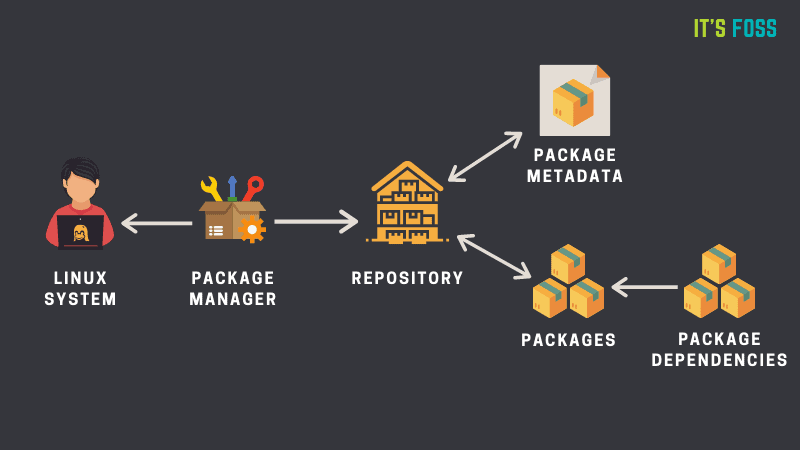
A tool that lets you install, manage, and remove applications on your Linux distro, is the package manager. It can be terminal-centric or one with a graphical user interface (GUI).
For instance, APT package manager for .deb files is terminal-focused. And, Synaptic is a GUI-based tool.
Every Linux distro has a different package manager. However, some package managers are predominantly found in most of the Linux distributions. For more information, you can check out our package manager explainer:
End of Life (EOL) is a term used to point out the particular date/year after which a software will stop receiving any maintenance or security updates. In our context, it can be a Linux distribution. However, it is a term used for all kinds of software.
For instance, the End of Life for Ubuntu 24.04 LTS is April 2029. The End of Life differs based on the release cycle of the distribution, which I shall mention in the next point.
A release cycle is the period when you can expect a software to get a new upgrade while marking the end of life of the current version.
If you find something that mentions — Long-Term Support (LTS) release, it means that the software will get updates for a long duration of time, focusing on its stability over bleeding-edge changes.
Depending on the software or the distro, the duration will differ. For instance, every LTS release of Ubuntu gets at least five years of updates, and its flavours get only three years of updates.
And, non-LTS is the opposite of it, meaning, the software will get updates for a shorter duration (or limited time).
For instance, Ubuntu 24.10 will be supported for only nine months.
14. Point and Rolling Release
A point release is a minor update to a major version of the software. For instance, Linux Mint 22.1 is a point update to Linux Mint 22.
On the contrary, a rolling release does not increment in any similar form. It just gets updates, small or big, with every new push by the developer team after its initial big release. For instance, Arch Linux is one of the best rolling release distros.
Snap, Flatpak, and, AppImage are three different universal packaging formats for Linux software. Unlike DEB or RPM packages, you can use Snap/Flatpak/AppImage packages on any Linux distributions.
Technically, they have certain differences among each other, but they serve a similar aim, to make things cross-distribution friendly and remove the hassle of dependencies.
Tiling Window Manager is a program that lets you organize your windows in a tile layout. It is a mighty utility to make the best use of your screen space while keeping things organized.
It boosts your productivity, and also makes your desktop experience prettier.
In terms of Linux software lingo, upstream is often referred to an original project from which the current software is based on. It can be a kernel, or a distro, or an app in our context. And, the downstream is the one that takes things from the upstream.
For instance, the Linux kernel releases are upstream, and the distro developers customizing it and using it will be termed as downstream.
A daemon is a utility program that runs in the background to make sure certain services are running and monitored. For instance, the system update daemon makes sure to check for updates at a regular interval of time.
When it comes to Linux, TTY is an abstract device in UNIX and Linux. Sometimes it refers to a physical input device such as a serial port, and sometimes it refers to a virtual TTY where it allows users to interact with the system (reference).
Considering you already know what a distro is, an immutable distro is just a type of distro where you cannot modify the core of the operating system (in other words, it is read-only).
This makes it a safer experience, and a more reliable one. Immutable distros have gained popularity recently, and you can find plenty of immutable distros to try the concept for yourself.
The Windows key that you normally know and love is the super key for Linux. It acts as the command button (like macOS) with which you can perform a range of keyboard shortcuts.
So, if someone says press the super key, it is just the Windows key on most keyboards. In some rare instance, the keyboard button could have a Linux icon over a Windows one.